

Snapshots
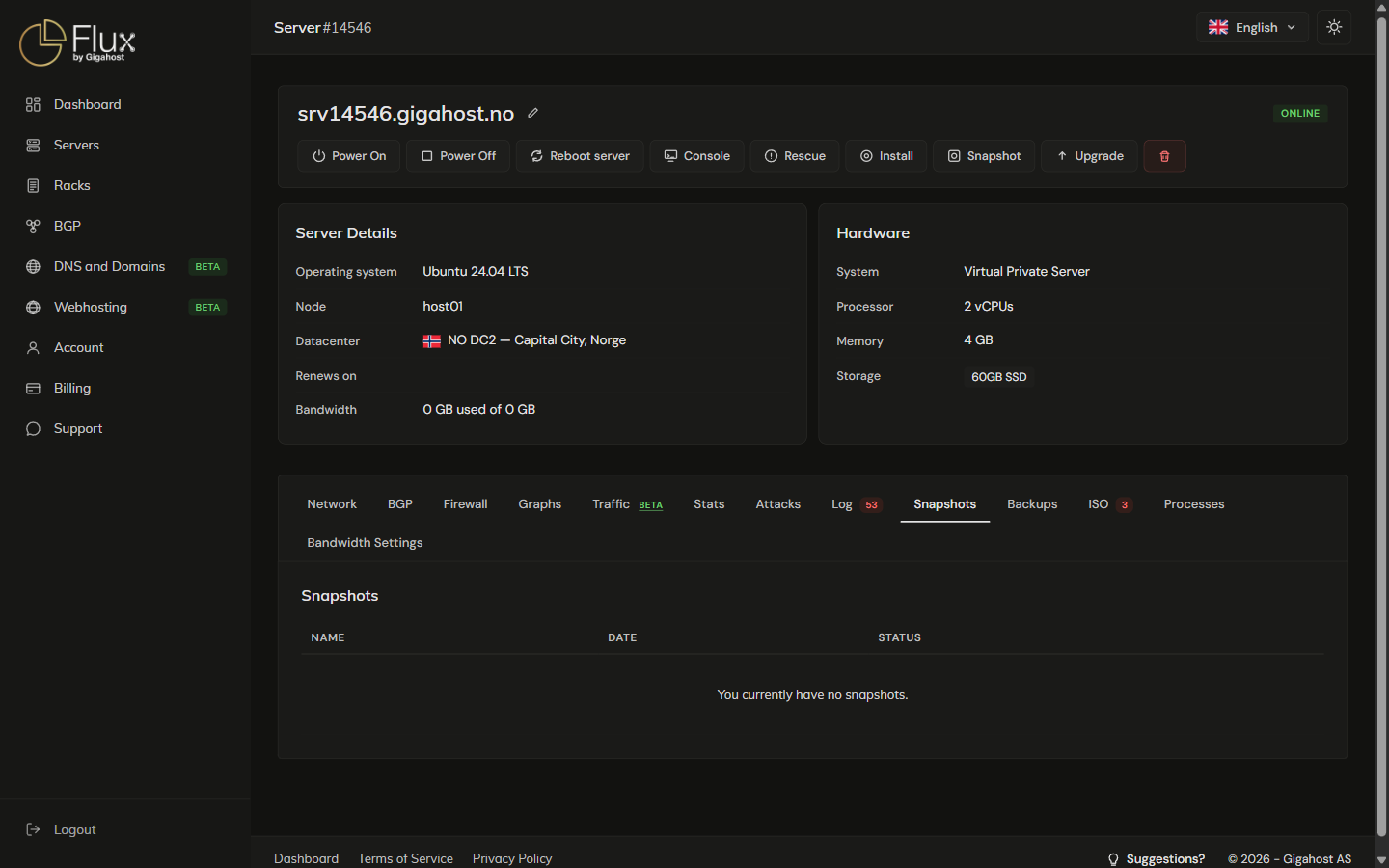
A snapshot saves the state of a KVM server, disk and RAM included, as a save point before a risky change. Available on KVM servers.
Disclaimer
We may delete a server's snapshots at any time if we have to migrate the server to keep it online, or during maintenance.
Creating a snapshot
Click Snapshot in the server's action bar, not in the Snapshots tab, and give it a name.
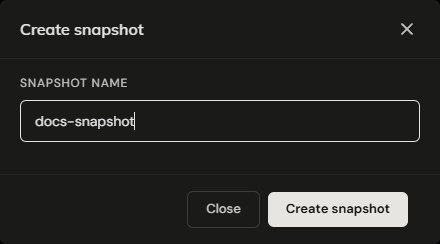
The server stays online. Because RAM is included, a restore brings the server back to the running state it was in, not just the disk contents.
A server can hold at most 3 snapshots. A fourth is refused with Unable to create snapshot. Max number reached (3). Delete one first.
Snapshots tab

Restoring a snapshot
WARNING
Restoring a snapshot overwrites all data on the server's disk. Anything written after the snapshot was taken is lost. This cannot be undone.
Click Restore next to the snapshot and confirm. The server is powered on if it was off, then rolled back. The rollback can take up to 30 minutes, and the server's actions are disabled until it finishes.
Deleting a snapshot
Click Delete next to a snapshot and confirm.
TIP
Snapshots block plan upgrades: the Upgrade page refuses with "Unable to upgrade server with existing snapshots. Remove and try again." Delete every snapshot before upgrading.
When snapshots are unavailable
The Snapshot button is disabled while:
- an ISO image is mounted on the server
- a rollback to a snapshot is running
- the server is in rescue mode
- an OS installation is running
Snapshots vs. backups
| Snapshots | Backups | |
|---|---|---|
| Trigger | Manual, on-demand | Automatic, scheduled |
| Storage | Same infrastructure as the server | Separate infrastructure |
| Pricing | Included | 25% of server cost |
| Use case | Save-point before a specific change | Ongoing protection |
WARNING
Snapshots are not a replacement for backups. They live on the same storage as the server, so they do not protect against a storage failure. Enable the backup service as well.