

DNS and domains
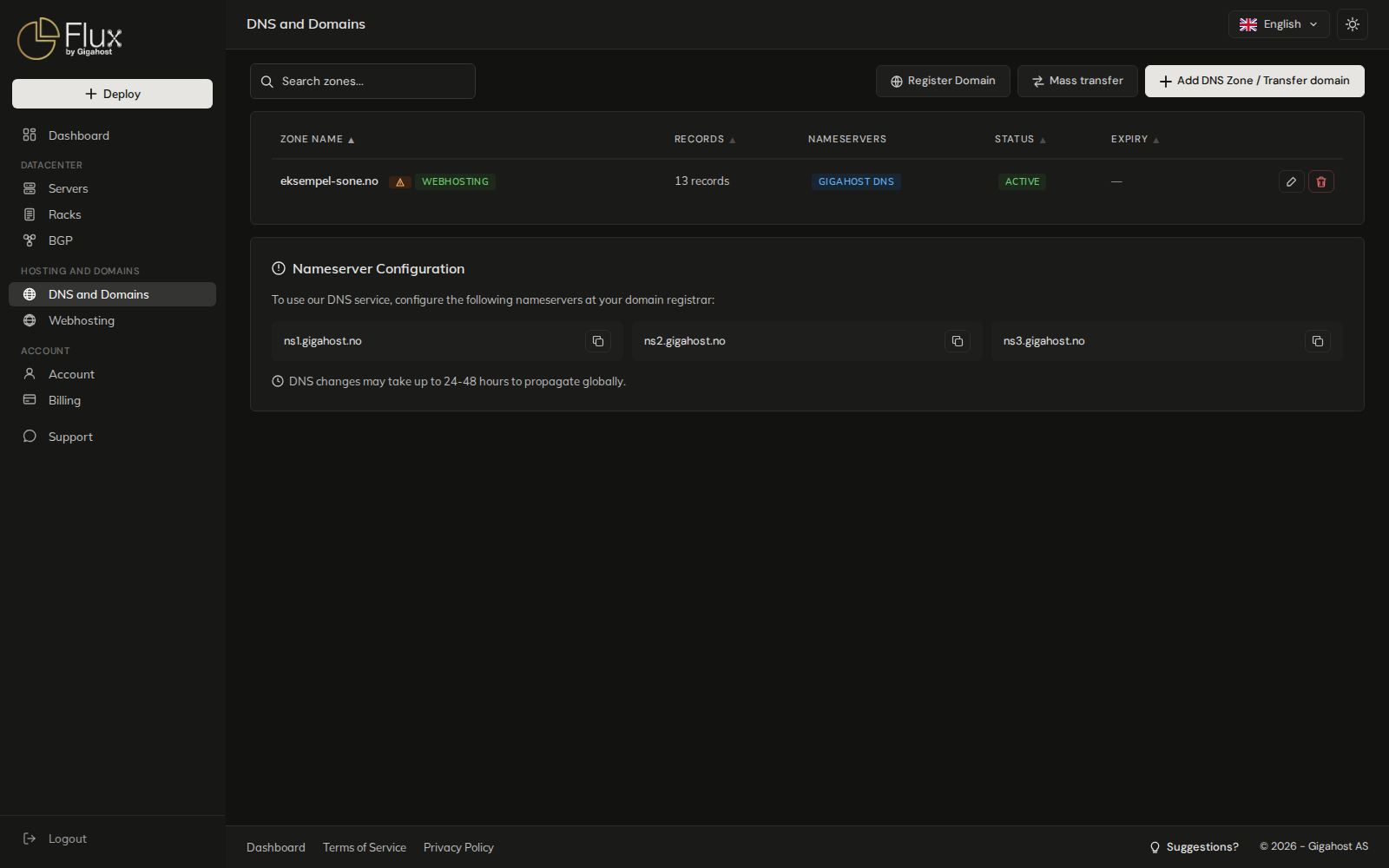
The DNS and Domains page at flux.gigahost.no/dns holds every DNS zone on the account and every domain registered through Gigahost. From here you add zones, register domains and move domains to Gigahost.
| Task | Page |
|---|---|
| Add a zone, edit records, import a zone file, set up redirects | DNS zones and records |
| Register a new domain | Register a domain |
| Move one domain to Gigahost | Transfer a domain |
Move many .no domains at once, or everything from Domeneshop | Mass transfer of .no domains |
| Renewal, auth code, nameservers, registrant | Manage a domain |
| Sign a domain with DNSSEC | DNSSEC |
Sub-client users see the zones delegated to them, but cannot register, transfer or add zones.
Zone list
A zone and a domain are not the same thing. A zone is the set of records Gigahost serves; a domain is the registration at the registry. A zone can exist without the domain being registered with Gigahost, and a domain registered with Gigahost can point to other nameservers.
- Padlock: the domain is registered with Gigahost, and the zone cannot be deleted.
- Warning triangle: the domain is registered elsewhere, with a TLD Gigahost sells. Click it to transfer the domain.
DOMAIN SET TO EXPIRE: auto-renew is off, so the domain lapses at the expiry date. See Auto-renew.WEBHOSTING: the zone belongs to a webhosting account. Its records are also on the account's DNS tab.SUSPENDED: the zone has been suspended by Gigahost. Hover over it for the reason and contact Support.EXTERNAL DNS: the domain uses other nameservers, so the records in Flux are not what the internet sees.
While a mass transfer runs, the status column shows where each domain is.
Nameserver configuration
A domain registered elsewhere must use the Gigahost nameservers at its registrar before the records in Flux take effect:
ns1.gigahost.nons2.gigahost.nons3.gigahost.no
Changes to nameservers and records can take 24 to 48 hours to be visible everywhere, because resolvers cache the old answers until the TTL runs out.