

Getting Started with Gigahost
Create an account, add a payment method and pick your first product in the Flux control panel.
1. Create an account
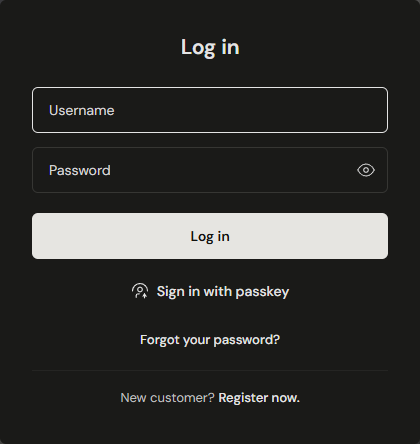
Accounts are created in Flux, not on gigahost.no. Go to flux.gigahost.no/start and click Register now. under "New customer?".
If you fill in a company name, the company becomes the account name and you become its first user. You do not choose a password here: a one-time password is emailed once the account is created.
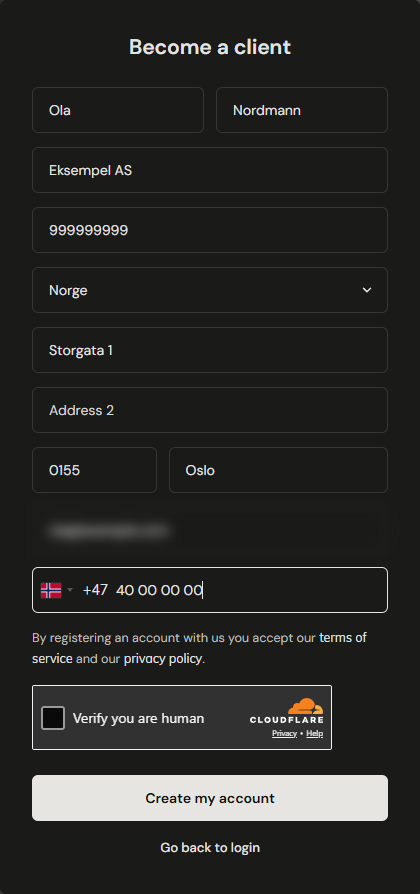
The mobile number is verified by SMS, so it must be a real mobile number with the right country code. VoIP numbers, disposable email addresses and addresses already registered with Gigahost are refused.
Registration completes in two steps:
- Open the confirmation link in the email. It is valid for 48 hours. Nothing is created before you do.
- Enter the 6-digit code sent by SMS. It is valid for 10 minutes and allows 5 attempts.
You then get an email with your username and a one-time password. Sign in at flux.gigahost.no and set a new password.
2. Add a payment method
Add a card, set up PayPal or top up account credit under Billing before you order a paid service.
3. Pick a product to deploy
| What you want | Where to start |
|---|---|
| A virtual or dedicated server | Deploying a server |
| Managed shared hosting (PHP, mail, MySQL) | Webhosting |
| A whole rack in our datacenter | Racks and colocation |
| DNS hosting for an existing domain | DNS and domains |