Servers
Gigahost sells KVM virtual servers and dedicated servers, both managed in Flux. Each tab on the server page has its own page in this section.
Server types
- KVM VPS: runs its own kernel on virtualised CPU, RAM and storage, so it supports custom kernel modules.
- Dedicated server: physical hardware with no virtualisation layer.
- GPU server: a KVM VPS with one or two NVIDIA RTX 6000 cards passed through to it. See GPU servers.
Feature availability
| Feature | KVM | Dedicated |
|---|---|---|
| Firewall (panel-managed) | Yes | No |
| Snapshots | Yes | No |
| Backups | Yes | No |
| BGP | Yes | Yes |
| ISO (panel library) | Yes | No, see ISO via console |
| Rescue Mode | Yes | Yes |
| Upgrade | Yes | No |
| Console type | VNC | IPMI |
The Servers section in Flux
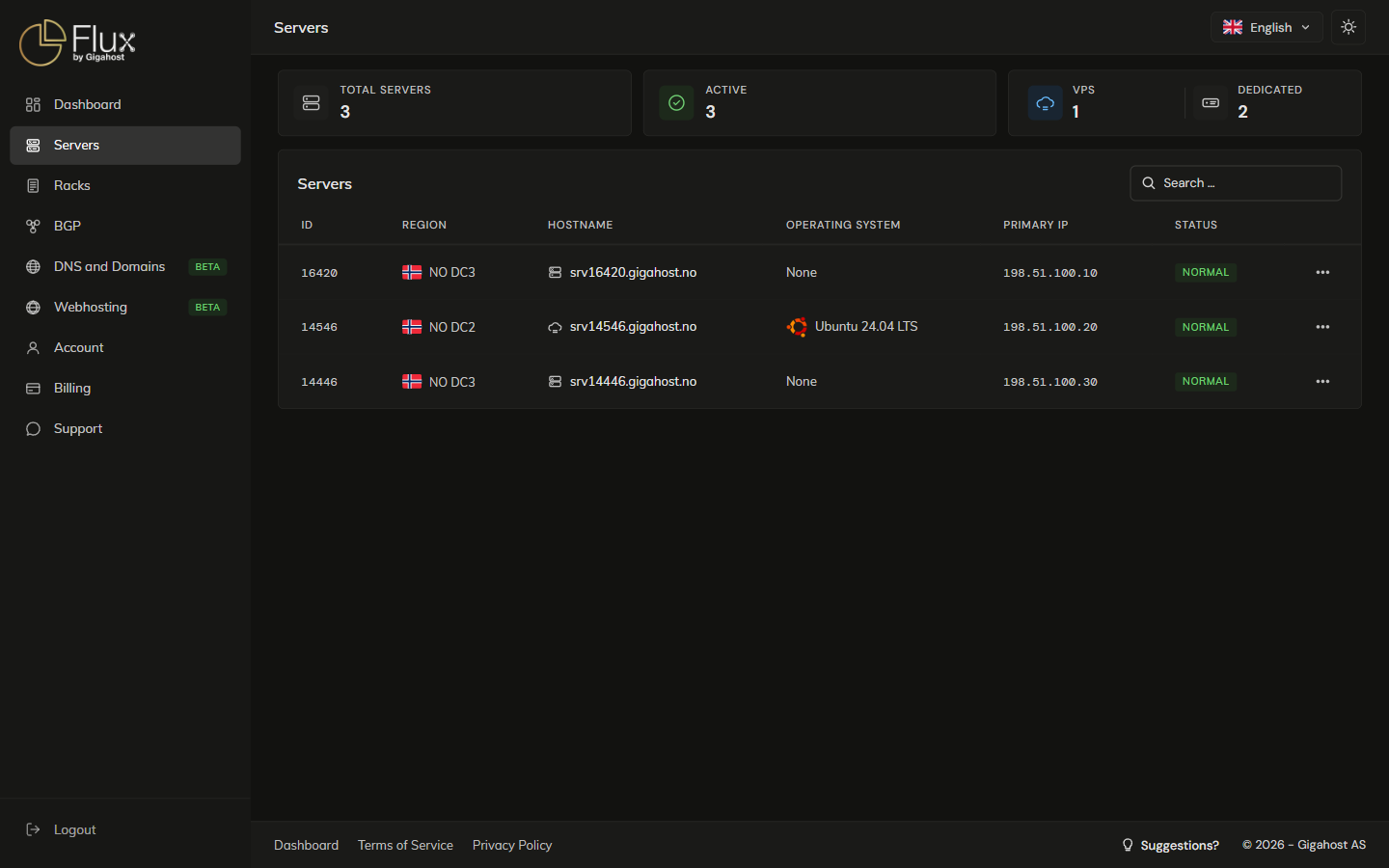

A padlock next to the hostname means automated backups are enabled. On an hourly server, the Bandwidth allowance is the amount accrued so far this period.
Waitlist reservations for sold-out servers are listed above the list, see Sold-out bare metal.
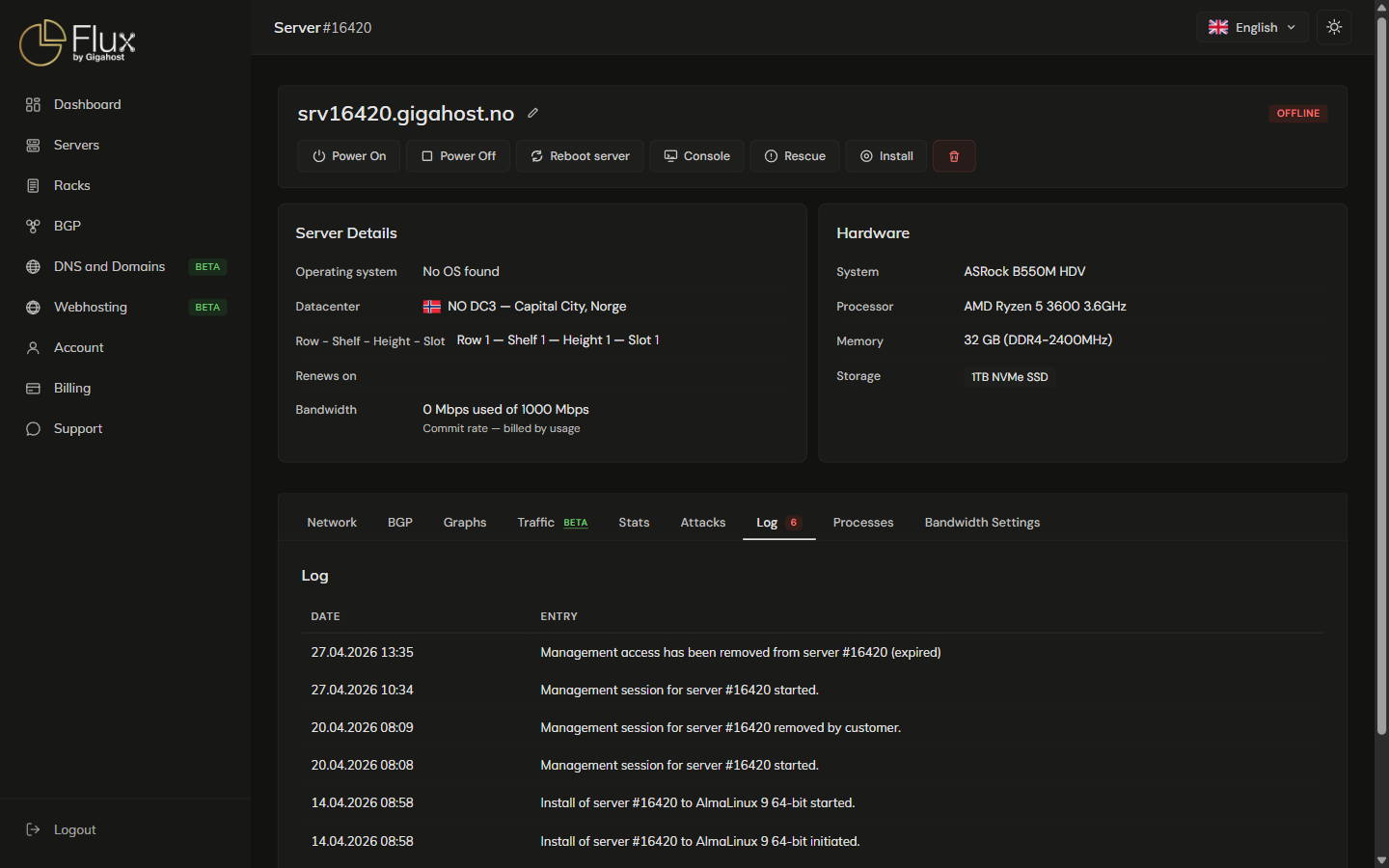
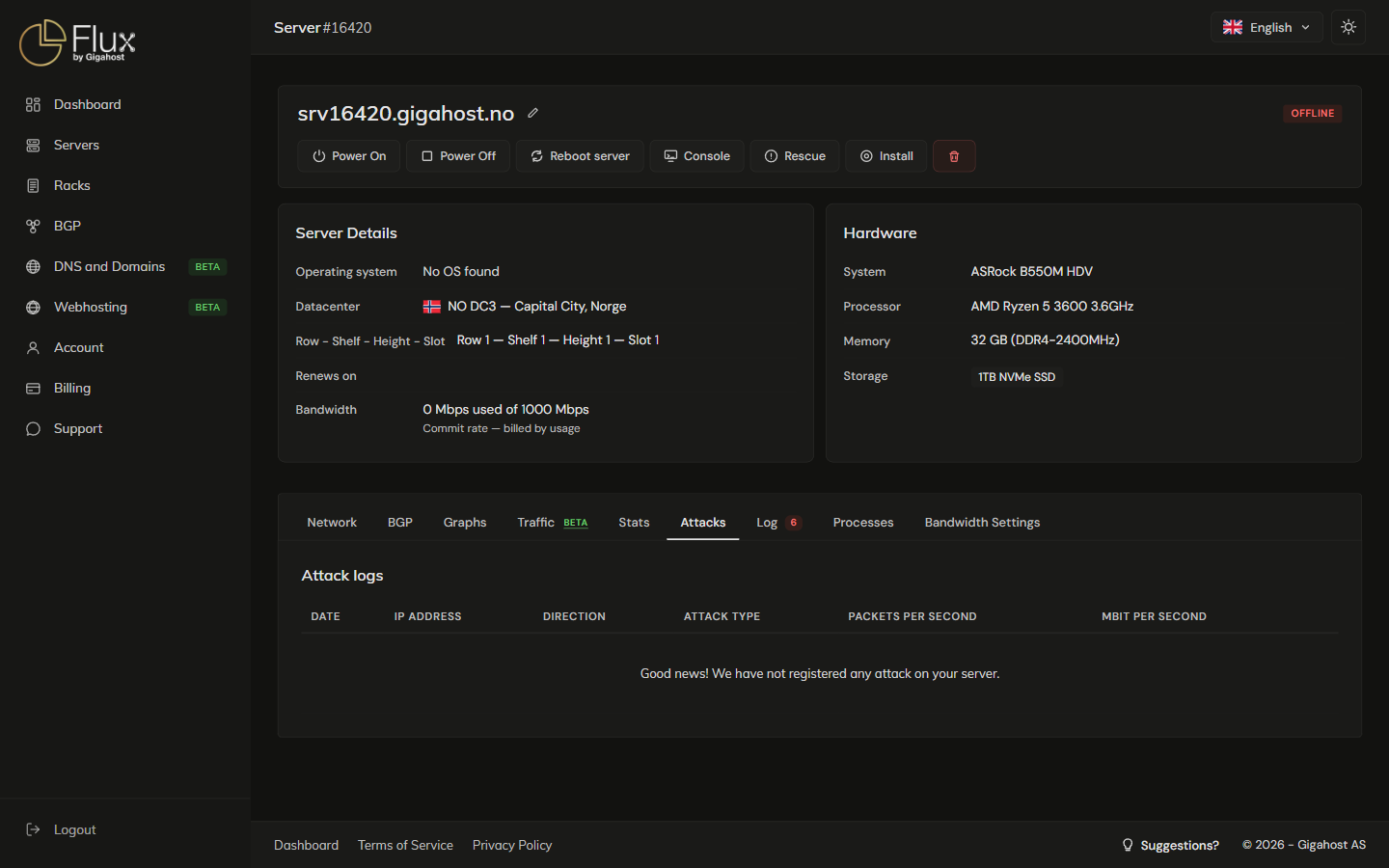
The server detail page
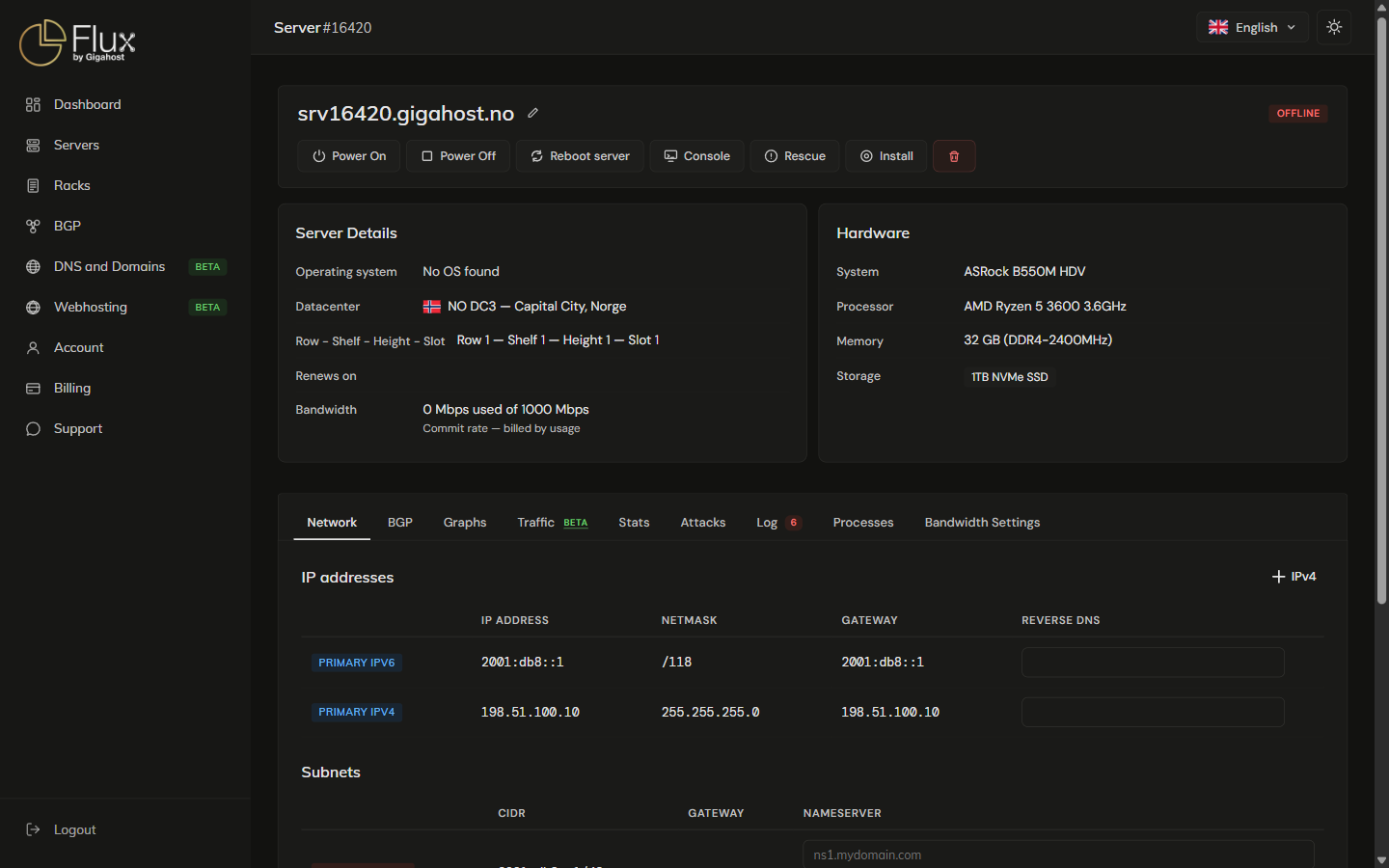
The actions are covered on Power & Console, Rescue Mode, Installing an OS, Snapshots and Upgrade.
Install and app progress
While an operating system installs, a card above the tabs shows its progress. With a one-click app, the card also shows the app's address, username and password once the app is installed. The card is gone once you leave the page after the app has finished, so save the login while it is shown; on the server it is kept in /root/app-info.txt.
Tabs
The open tab is kept in the address, so a link such as /server/<id>?tab=firewall opens the server on that tab.
| Tab | ?tab= | Notes |
|---|---|---|
| Console | console | KVM and LXC only |
| Network | network | |
| BGP | bgp | |
| Firewall | firewall | KVM and LXC only |
| Traffic | traffic | |
| Stats | bandwidth | Needs the server agent |
| Attacks | attacklogs | |
| Log | activitylogs | |
| Snapshots | snapshots | KVM only |
| Backups | backups | KVM only |
| ISO | iso | KVM only |
| Processes | processes | Needs the server agent |
| Bandwidth Settings | bandwidthsettings |
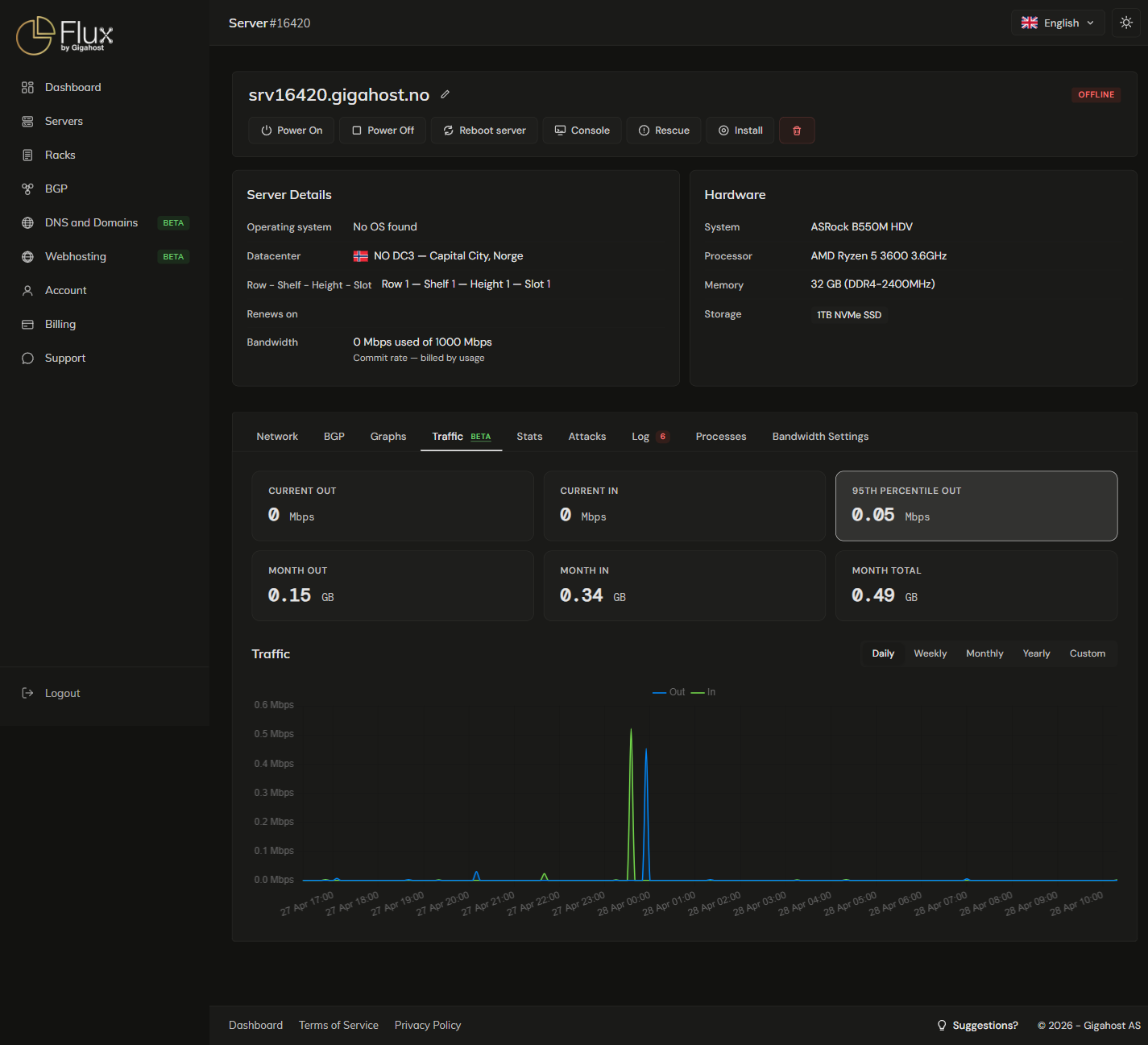
Traffic
95th Percentile Out is the metric used for burstable billing.
Attacks
DDoS mitigation is automatic on every server: attack traffic is filtered at the network edge before it reaches the server, and there is nothing to configure. The Attacks tab lists the attacks detected on this server.
Log
The Log tab lists the actions taken on the server from the panel.