Account
The Account section covers the account itself: who can sign in and how, contact and billing details, notifications, orders, SSH keys and the Data Processing Agreement (DPA).

Profile
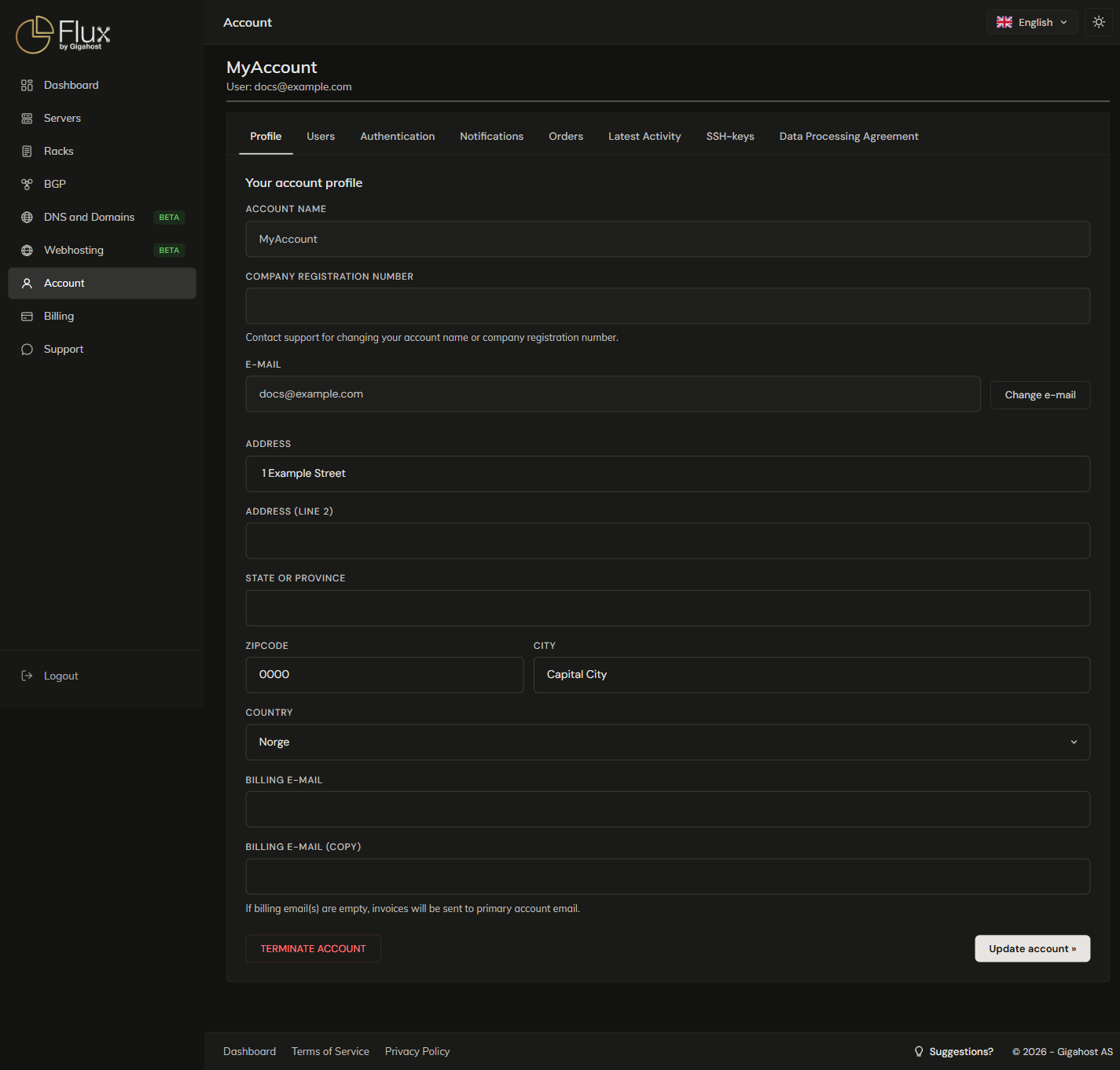
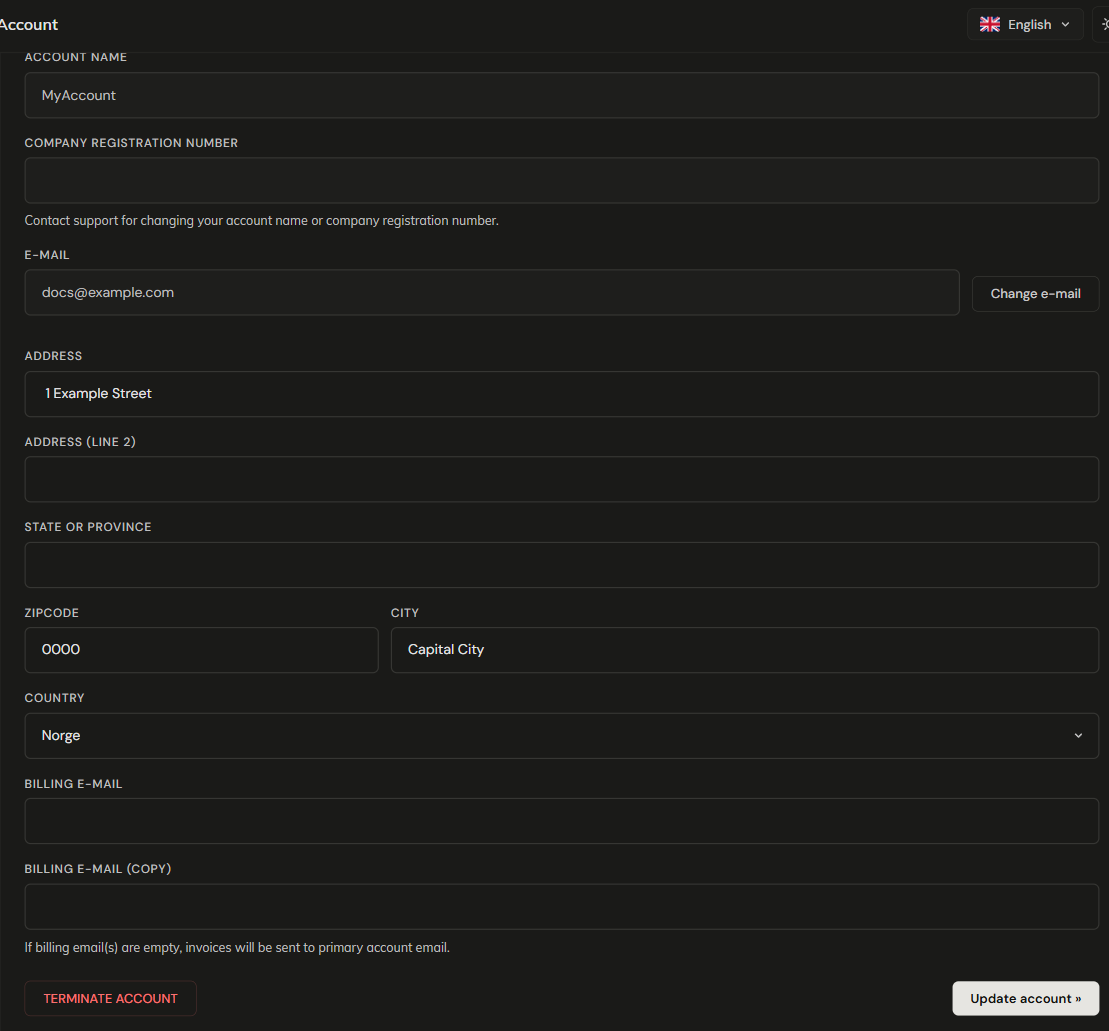
Only admins can change the profile. Fields containing <, >, ", ' or & are refused.
TIP
Account name and company registration number can only be changed by support. Open a ticket if you need an update.
A new email address takes effect only when you open the confirmation link sent to it. The link is valid for 24 hours. An address already used by another customer is refused.
The address is printed on invoices. Invoice emails go to Billing e-mail and Billing e-mail (copy), or to the primary email if both are empty.
WARNING
TERMINATE ACCOUNT closes the account permanently. Personal data is wiped, except what the law requires to be kept for accounting. The request is refused while the account still has servers, colocation, S3 buckets, DNS zones, webhosting, active orders or unpaid invoices.
Orders
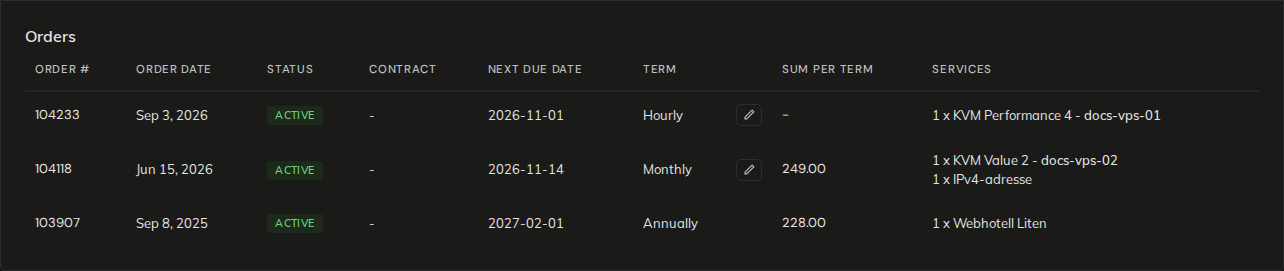
An order is the recurring subscription behind a service, with one order per service. Each term it produces an invoice, which you pay from Billing. Contract is the date the order's contract period ends. Hourly orders have no sum, because they are invoiced in arrears for the hours used (see Hourly services). Cancelled orders are hidden; the link under the table shows them.
Change billing term
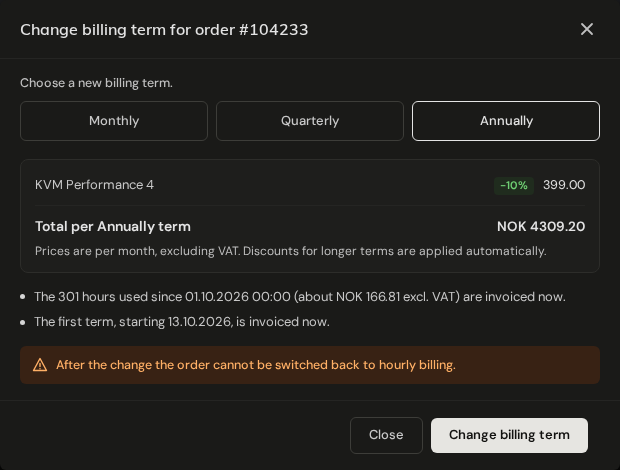
Available to admins, on active hourly orders and on term orders made up only of servers, volumes and IP addresses. To change the term of domains, webhosting or products priced per year, contact support. The dialog shows the new price and any discount before anything changes.
WARNING
The switch from hourly to a term is one-way. The order cannot be switched back to hourly billing.
From hourly to a term:
- The hours used since the last hourly invoice are invoiced now, and so is the first term, starting today.
- You must have no unpaid invoice past its due date ("Pay your overdue invoices before changing the billing term."). If your hourly usage is limited by account credit and has reached 100%, top up first.
From one term to another:
- A longer term applies from the next billing date. An invoice already issued for the coming period stands.
- A shorter term: if the order has one unpaid invoice that is not yet due, that invoice is credited and a new one is issued for the shorter term, without the discount of the longer term. With no open invoice, the new term starts at the next billing date. Any other unpaid invoice on the order blocks the change ("Pay the open invoice on this order first.").
Latest activity
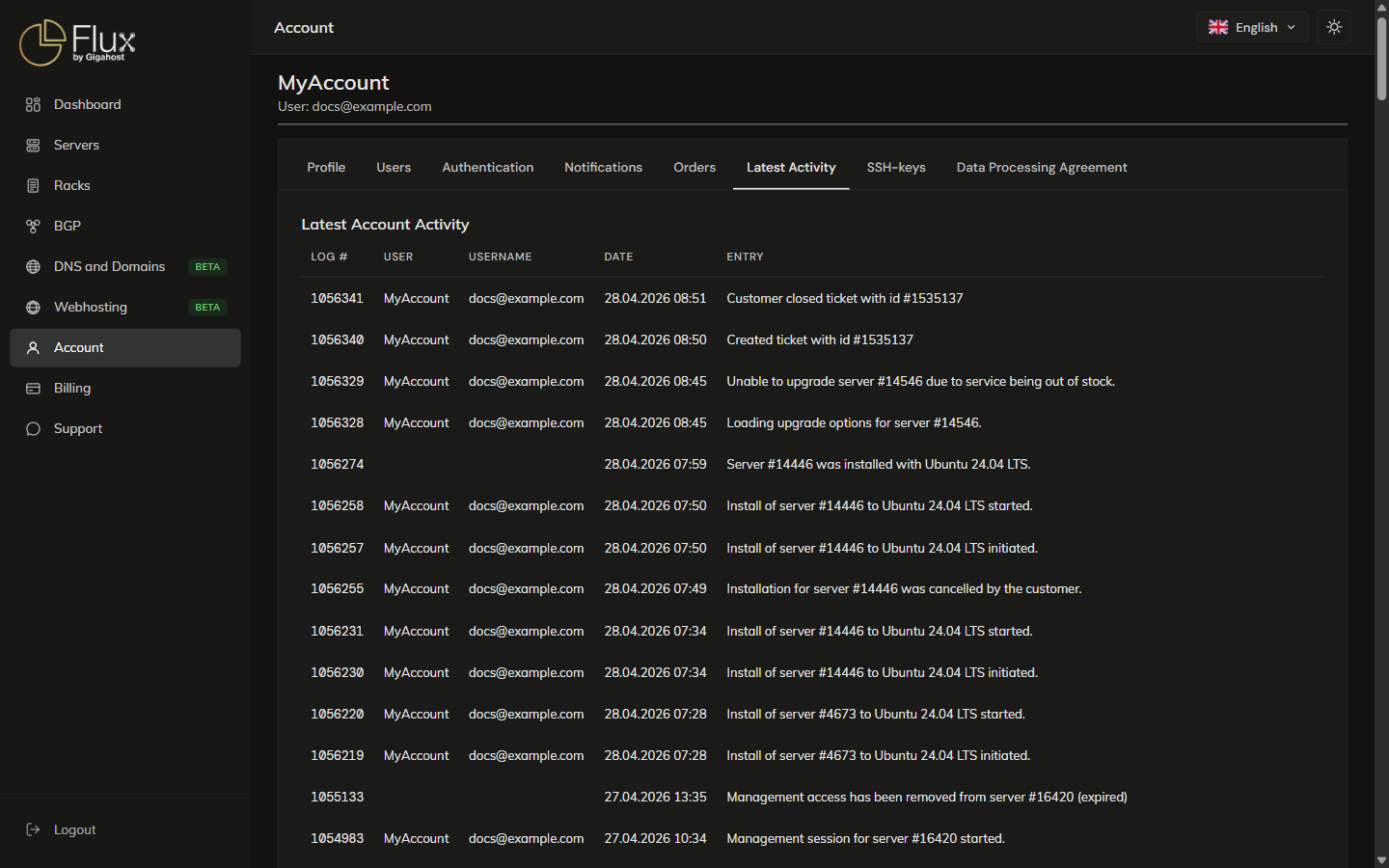
Latest Account Activity logs logins, password changes, server installs and management sessions. It has no filter, so use the browser's find to locate an entry.
Notifications
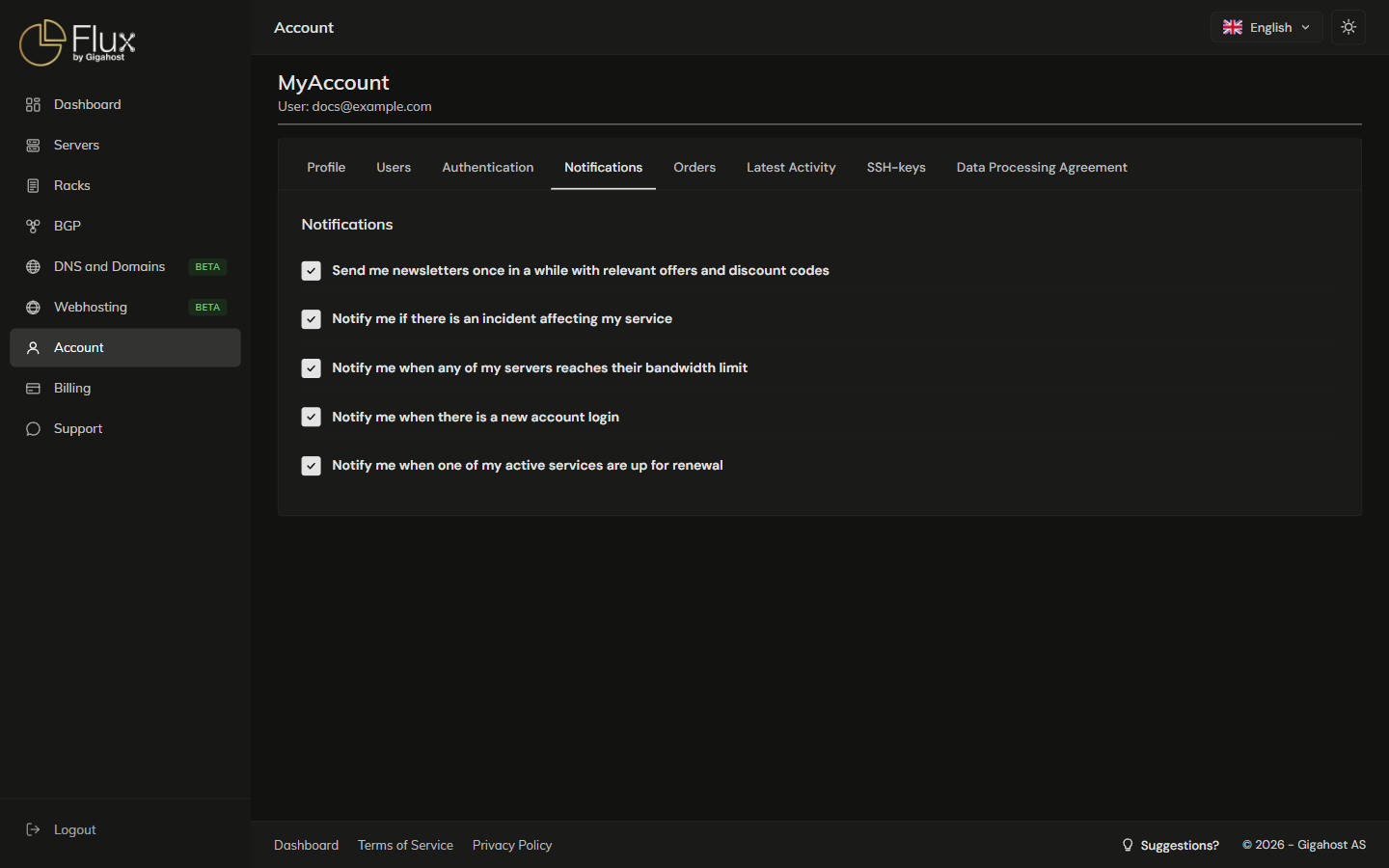
Each toggle turns one kind of email to the primary contact on or off.