

Sub-Clients
The Sub-Clients tab is for partners who manage services for end customers. You choose which servers, domains and webhosting accounts each sub-client can see, whether they can sign in, and whether they get their own invoices.
Beta
Sub-Clients is in beta and available to some partner accounts. To request access, open a support ticket.
You stay liable
Even with direct invoicing on, you as the partner remain solely responsible for payment. If the sub-client does not pay, the invoice is reissued to you. There is no credit decision on the sub-client; they are billed under your account's contract.
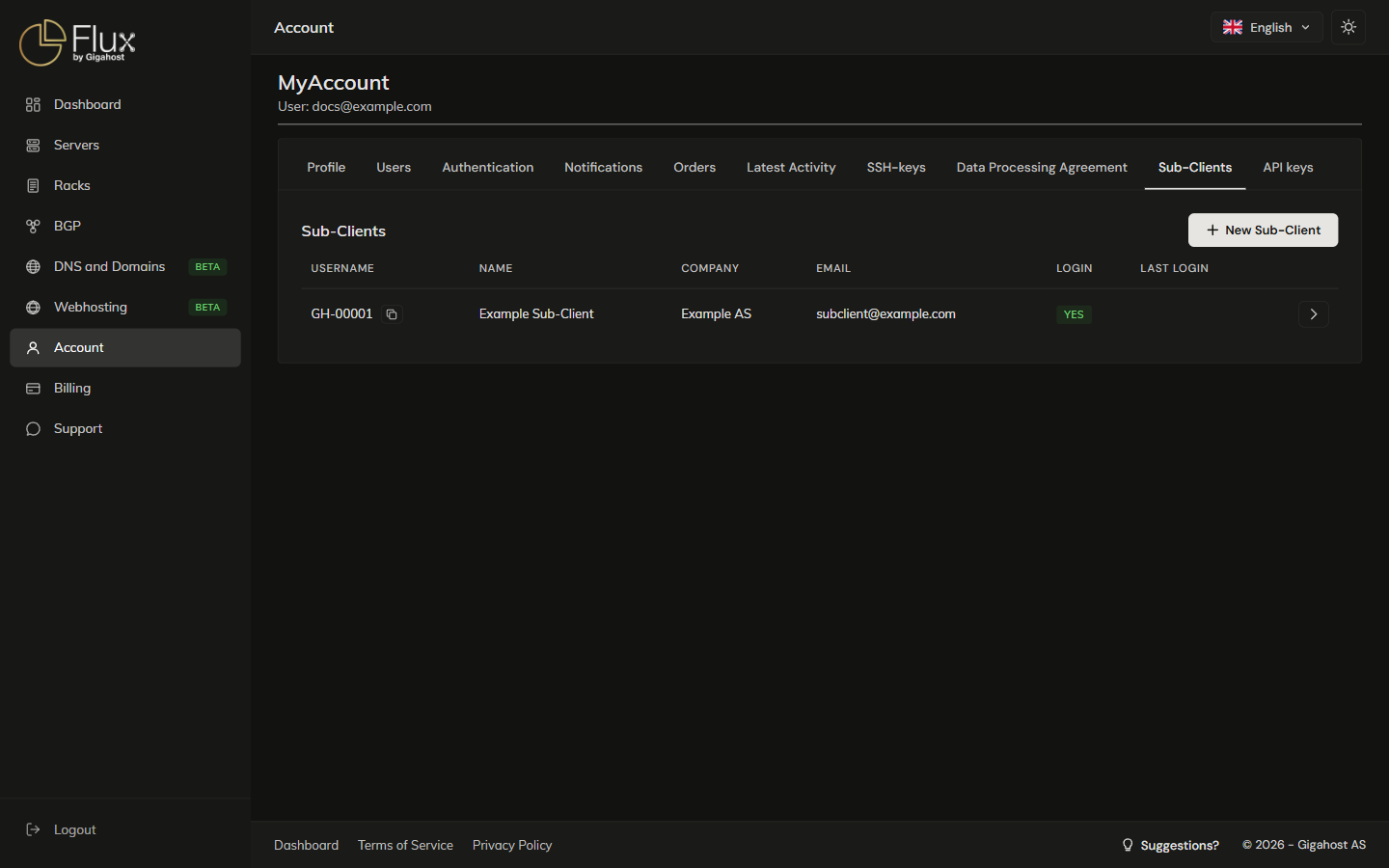
Sub-Clients list
Each sub-client gets a username in the format GH-NNNNN, which they sign in with.
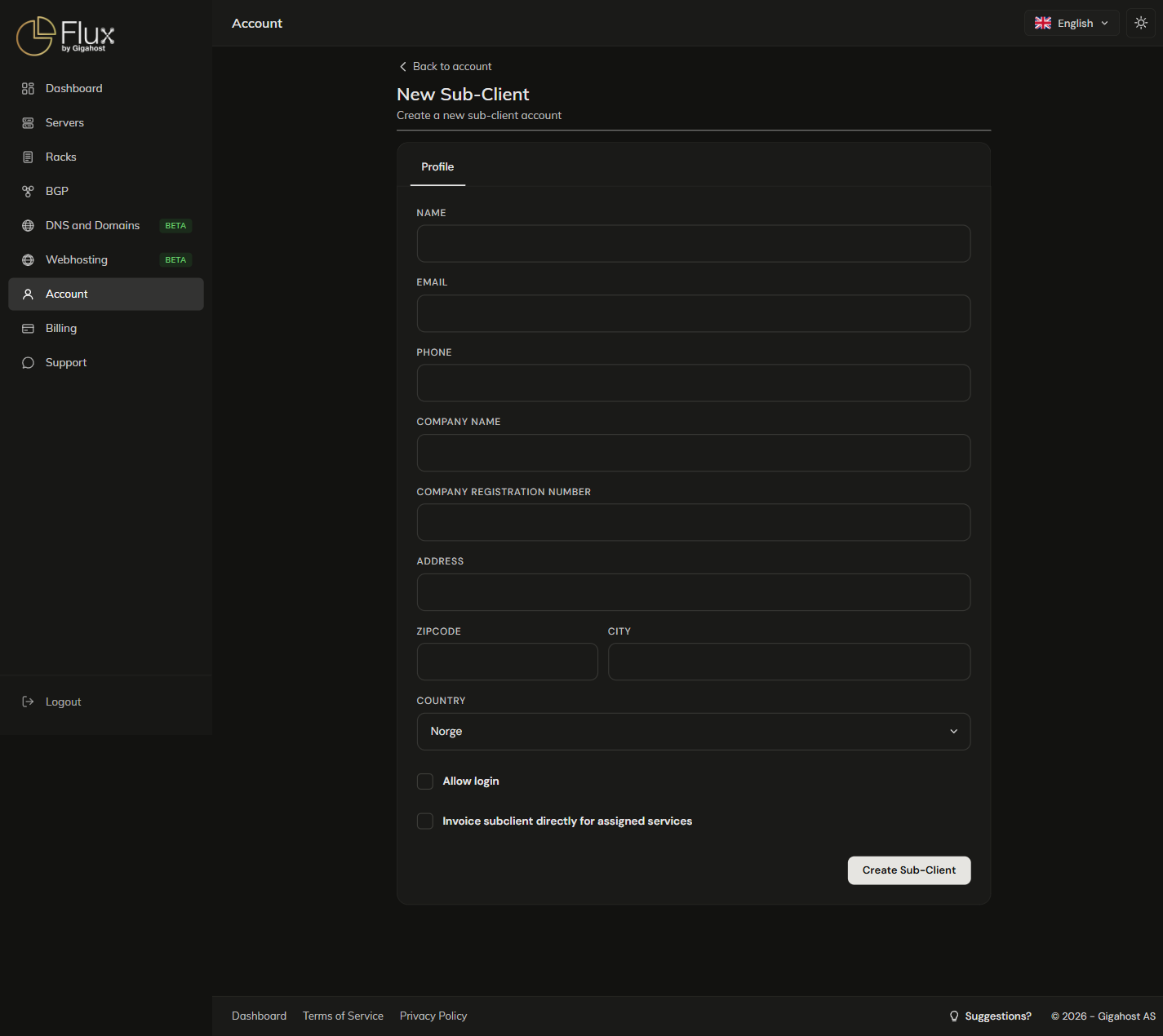
Creating a sub-client
Email receives the sub-client's invoices and, when login is on, their login details.
Allow login
Without Allow login, the sub-client is a billing identity only, and you manage their resources from your own panel. With it, they sign in with their GH-NNNNN username and a password of at least 6 characters. Send login details to client emails both to them; untick it to hand over the login yourself.
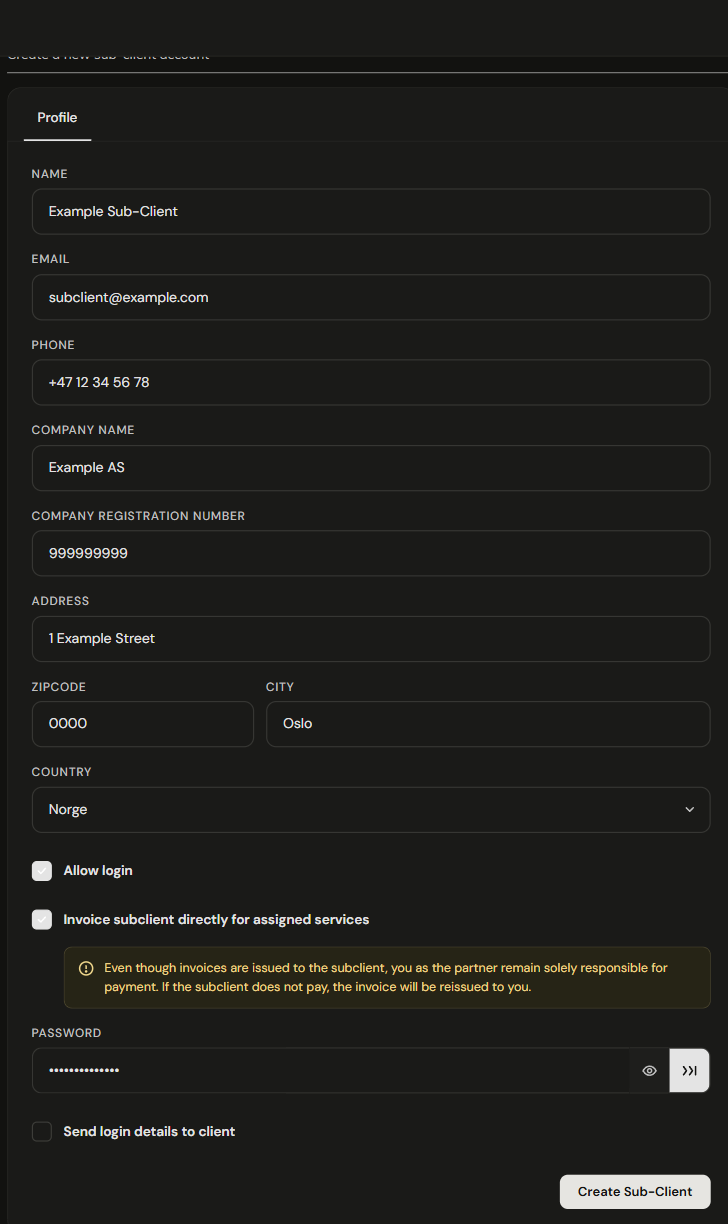
Invoice subclient directly for assigned services
When ticked, orders for services assigned to the sub-client are invoiced in their name and sent to their email. You still see these invoices under your own Billing. Untick it to keep the invoices on your own account.
Direct invoicing needs Name, Address, Zipcode, City, Country and Email. If Company name is set, Company registration number must be exactly 9 digits.
The sub-client detail page
Servers, Domains and Webhosting assign your resources to the sub-client.
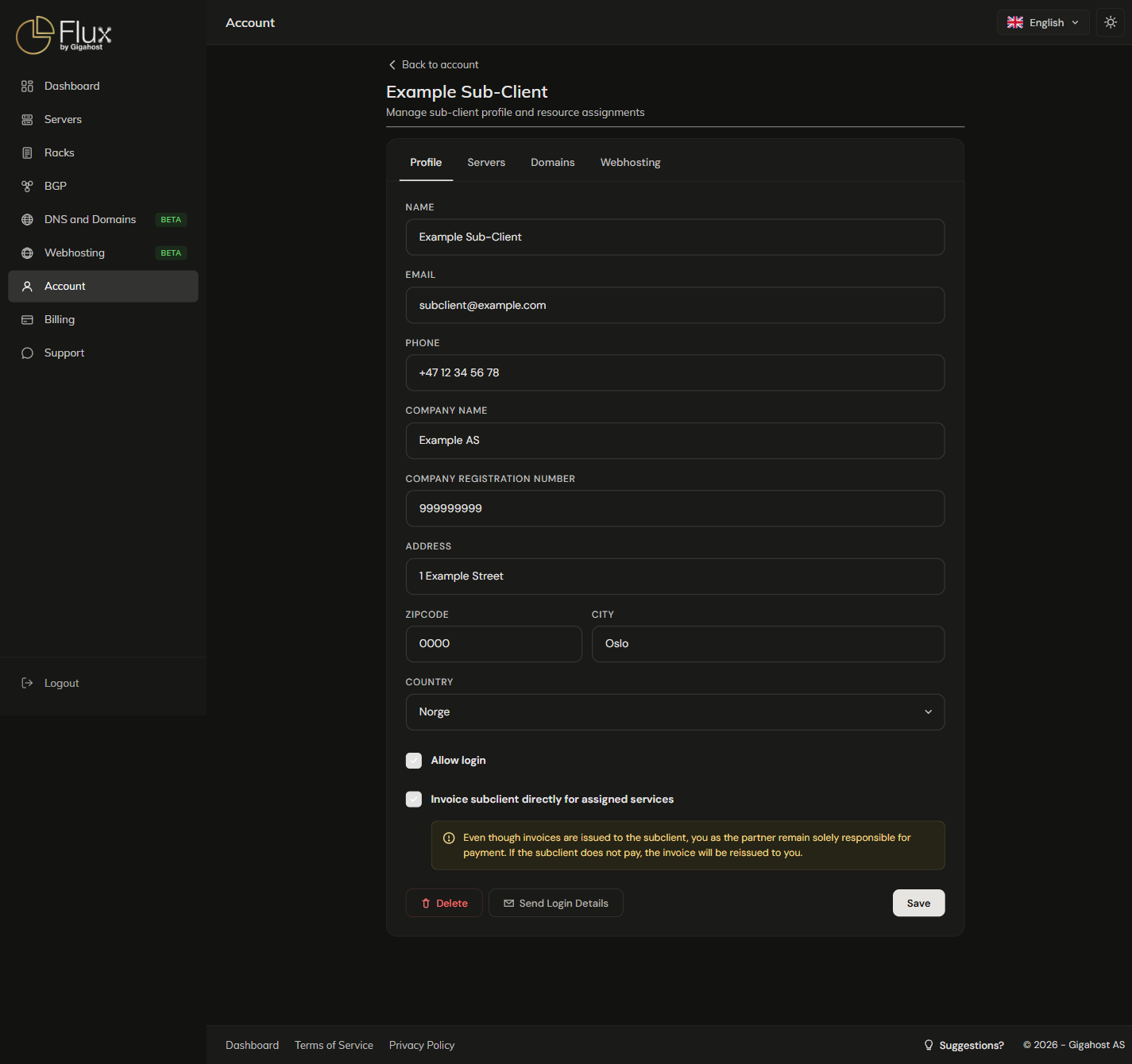
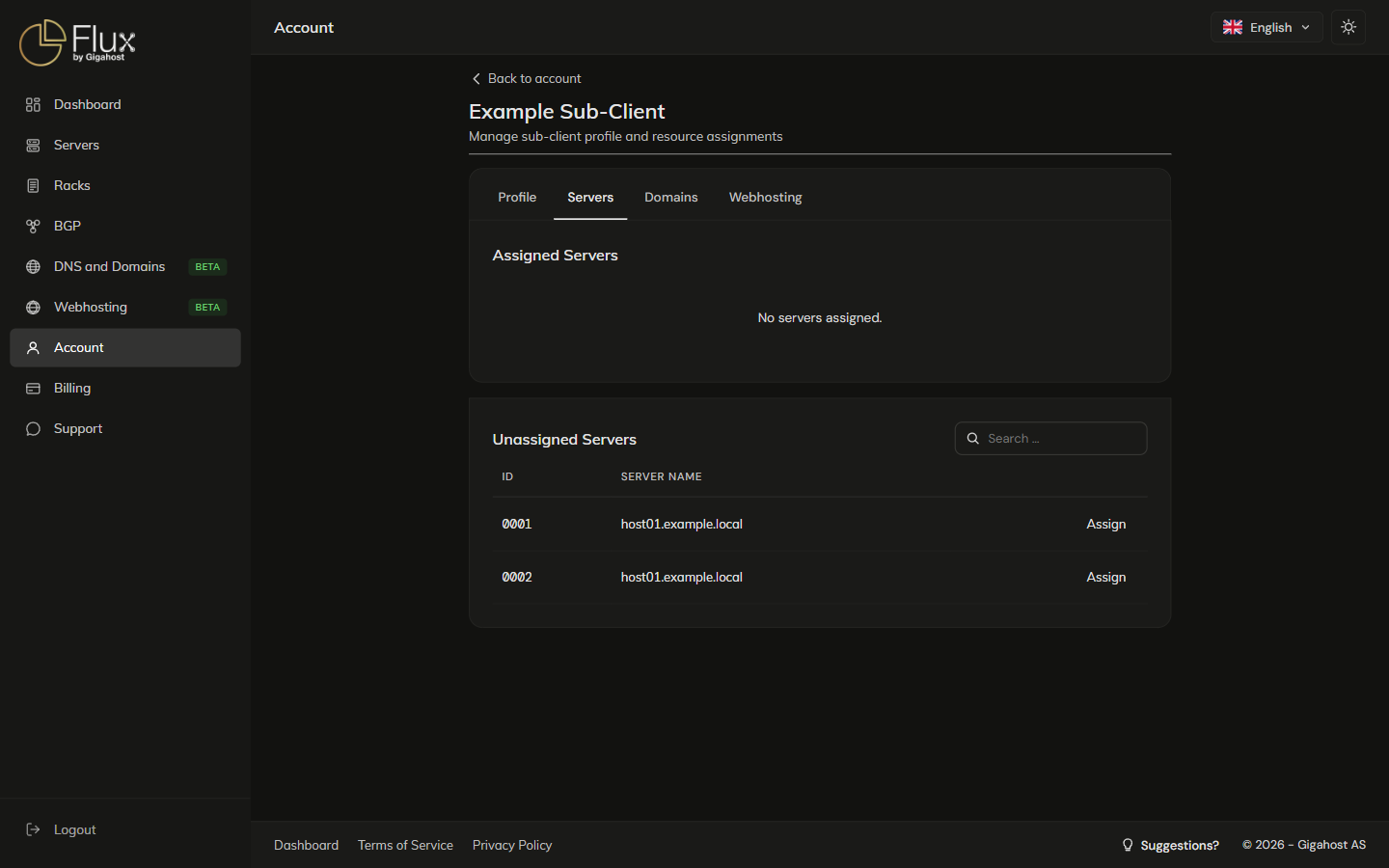
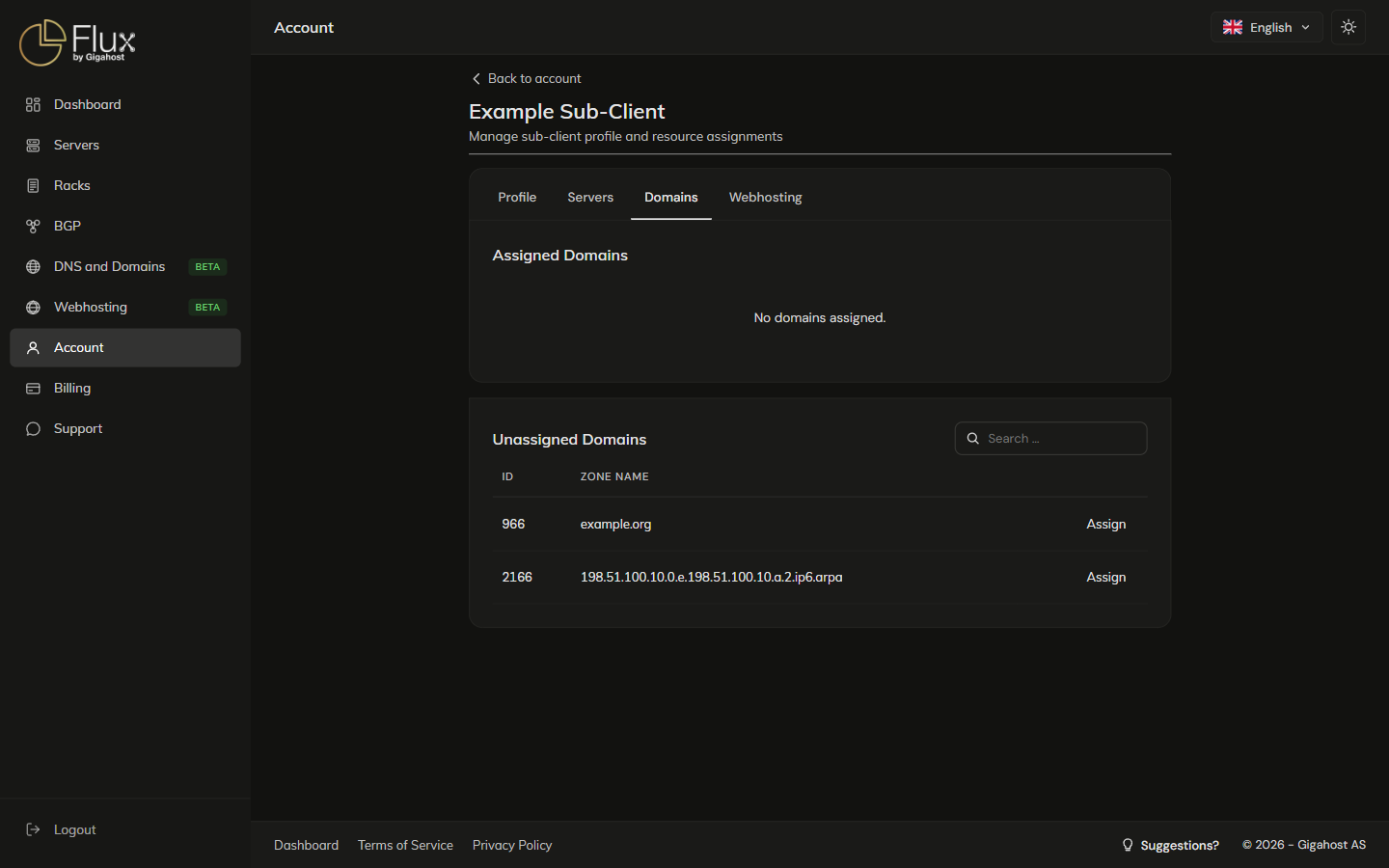
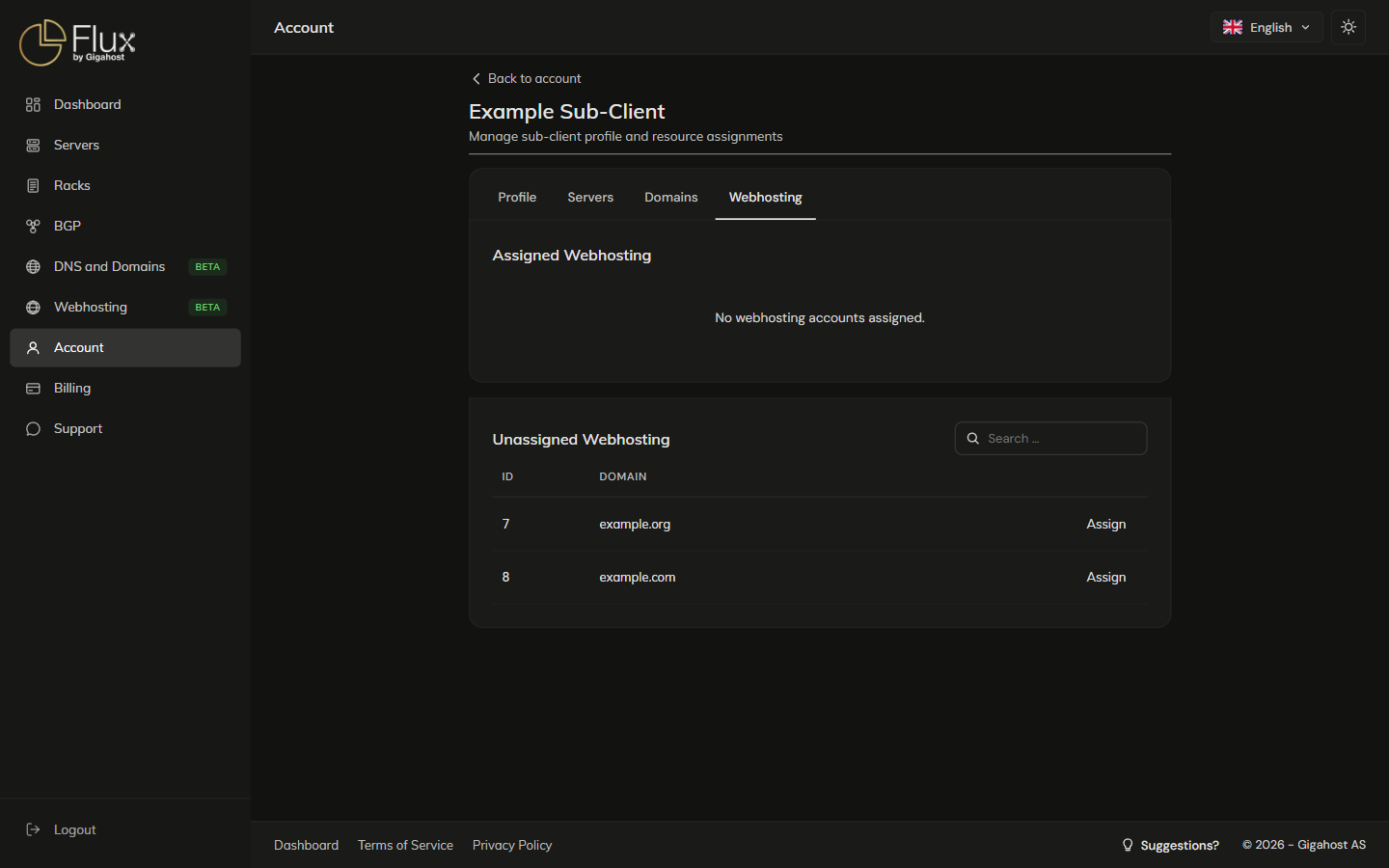
Send Login Details replaces the sub-client's password with a new random one and emails it to them. It needs an email address on the profile.
WARNING
Delete removes the sub-client permanently. Resources assigned to them return to your direct control.
What the sub-client sees when they sign in
Only the resources you have assigned to them. They cannot see your other sub-clients or anything you have not assigned. Instead of Billing they get an Invoices page with the invoices issued to them.
Resetting a sub-client's password
Sub-clients cannot reset their own password. If they forget it, click Send Login Details on their profile. To revoke their login, untick Allow login and Save.