

Data Processing Agreement
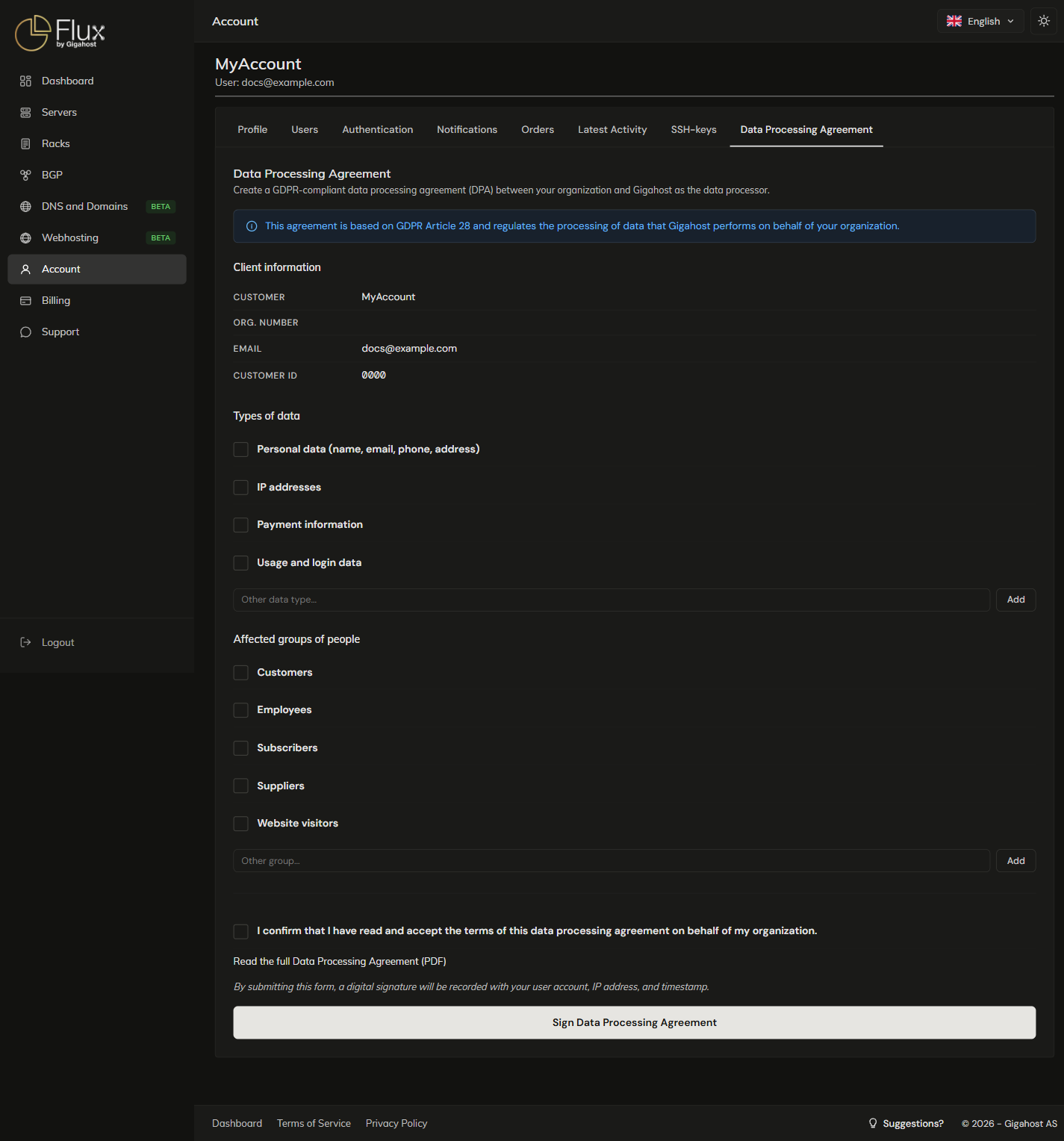
The Data Processing Agreement tab creates and signs a GDPR Article 28 DPA between your organisation and Gigahost as data processor. Only users on your own account can sign it.
Signing the agreement
The company name and organisation number come from the Profile tab. If they are wrong, correct the profile before you sign.
Select at least one type of data and one affected group. You can add your own entries to both lists; they may not contain < > " ' &.
Read the full agreement before signing: https://flux.gigahost.no/static/Databehandleravtale_v1.0.pdf. By ticking the confirmation box you accept its terms on behalf of your organisation. The signature is recorded with your user account, IP address and timestamp.
After signing
Download PDF saves the agreement with your customer details, the signing date and the data types you selected. Keep a copy in your own records.
WARNING
Revoke DPA deletes the signed agreement. This cannot be undone; to have an agreement again, you sign a new one.