

Access
The Access tab lets a user who has a Flux login on another customer work in your account, with the areas you choose, and lists the customers that have shared their account with you.
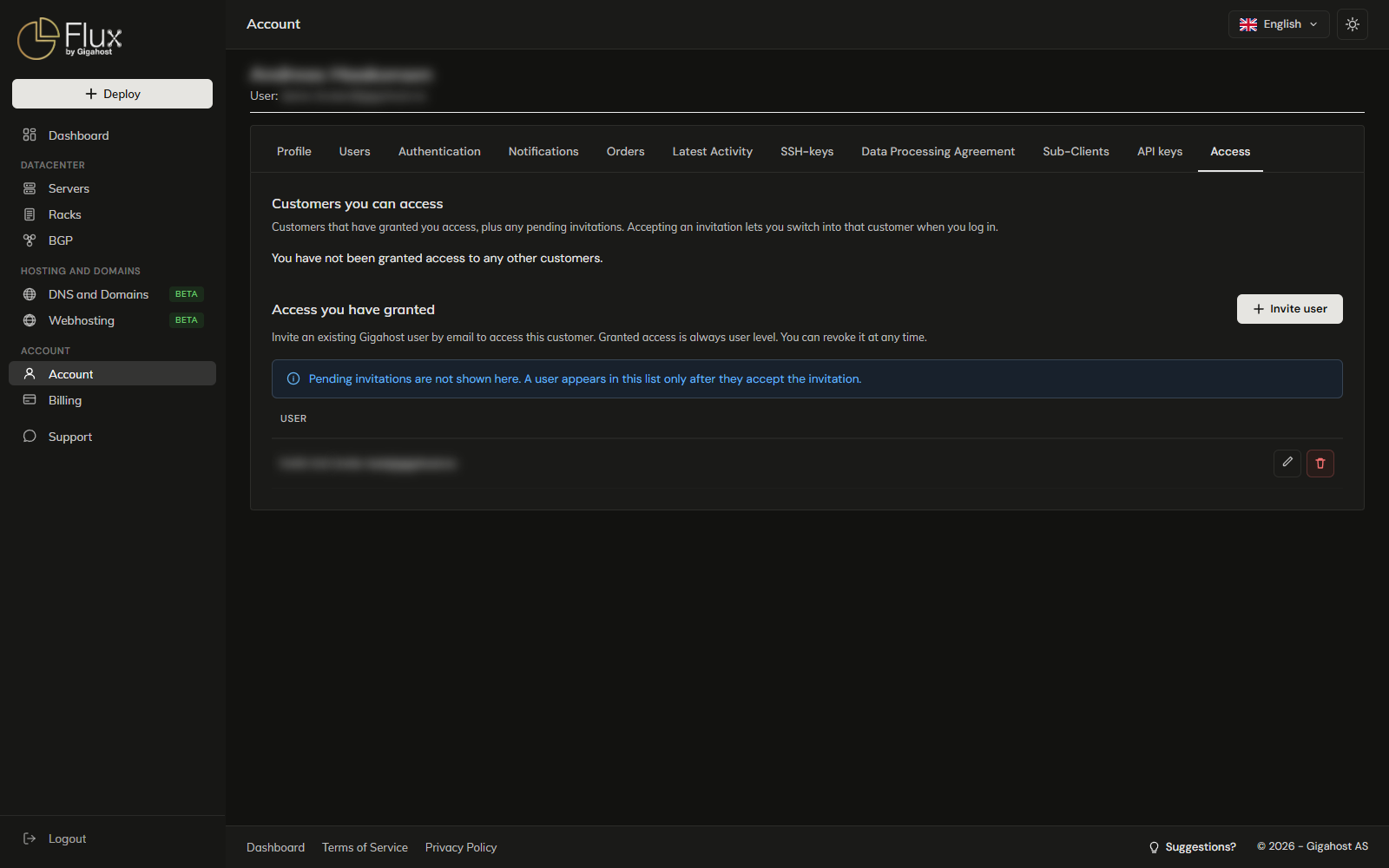
Customers you can access
Click Accept to activate an invitation. Invitations do not expire, but you can only accept them from your own account: if you are switched into another customer, switch back first.
Remove my access drops your access to that customer. To get it back, that customer's admin must send a new invitation.
Access you have granted
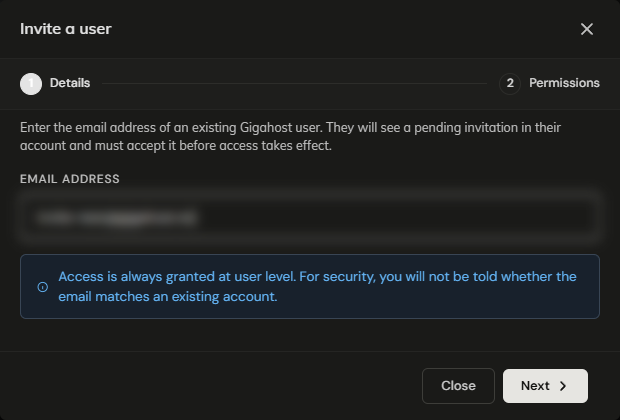
Available to admins. Invite user takes the email address the user signs in to Flux with. It must belong to a user on another customer; inviting one of your own users does nothing.
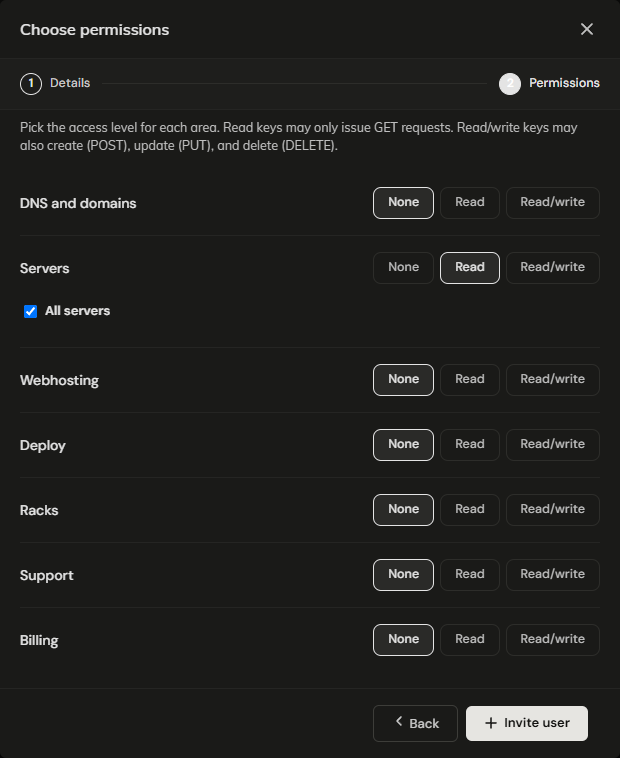
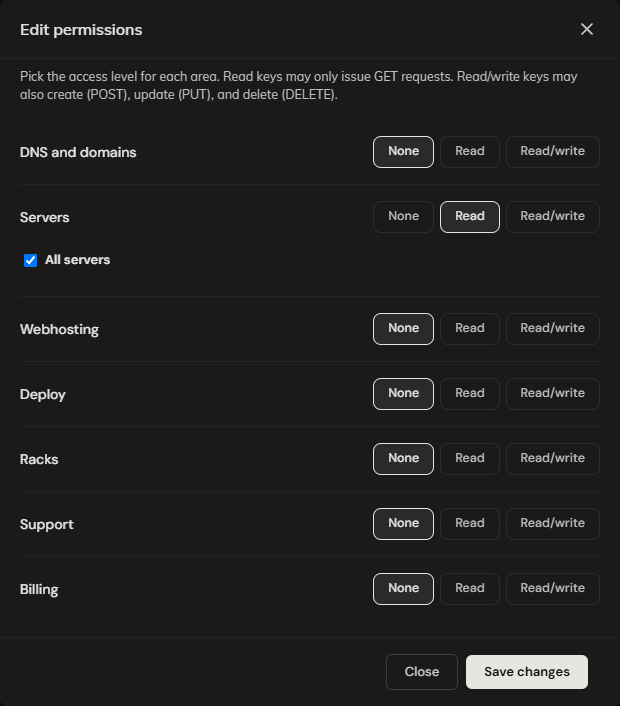
Permissions work as for API keys, without My account. Everything starts on None, so set at least one area.
The confirmation is always "If an account exists, an invitation was sent.", and a user only shows up in the list after accepting. To check what you have sent, look in Latest Activity. There is one grant per user per customer; inviting the same address again does nothing.
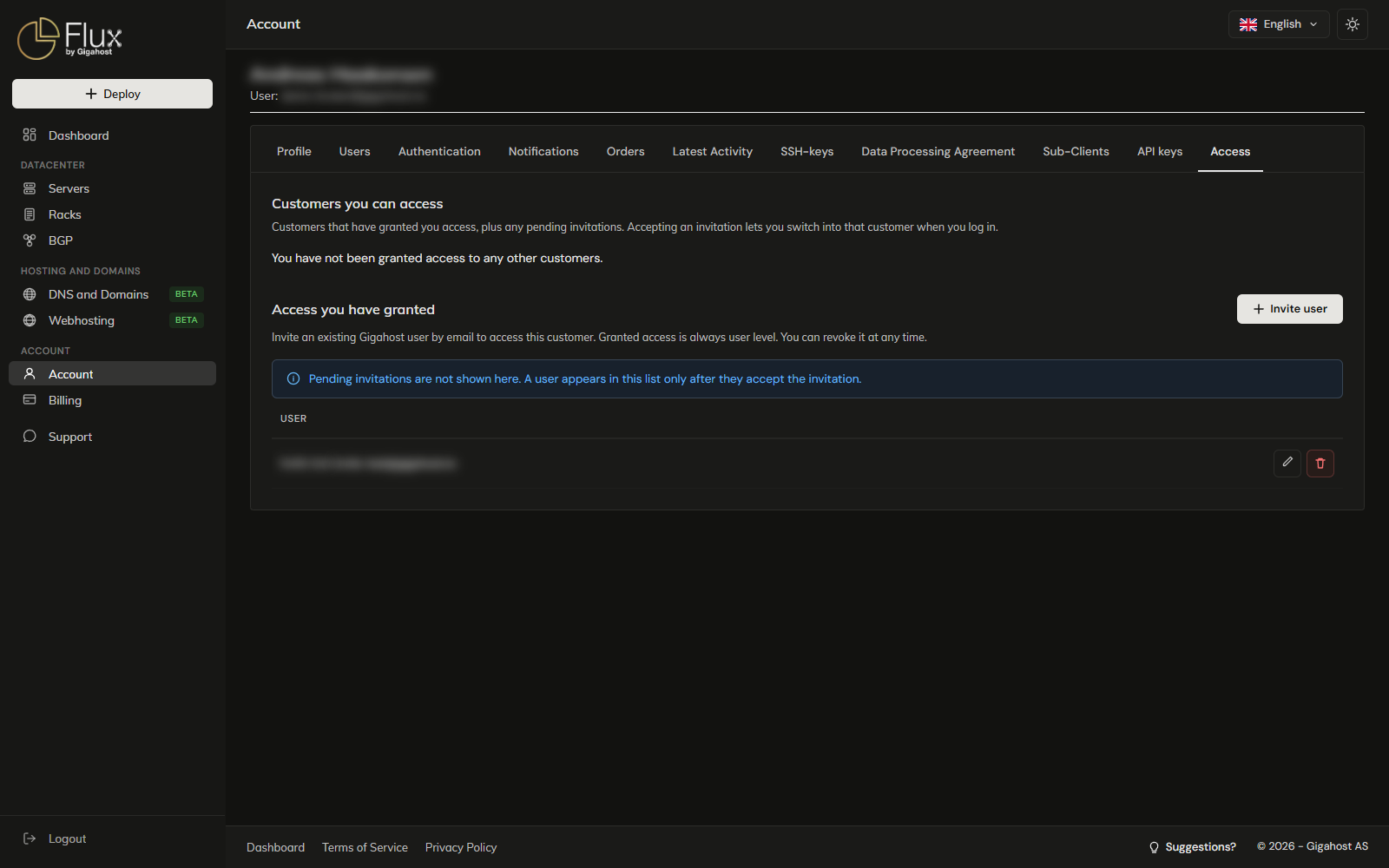
Edit permissions takes effect at the guest's next request; they do not need to sign in again.
WARNING
Revoke access deletes the grant. A guest who is switched into your account is cut off at their next request. To give the same user access again, send a new invitation, which they must accept again.
For the invited user
The invitation email has no link; you accept it on the Access tab in Flux.
After accepting, you choose which customer to work in when you log in. Switch client in the sidebar changes customer without logging out. In a shared customer you only have the areas you were granted, and its Account page is not available.
Users, Access and Sub-Clients
Users are people with a login on your own account. Access is a user from another customer working in yours. Sub-Clients are separate billing identities for partners, not logins into your account.