

DNS zones and records
This page covers DNS zones and their records. The domain itself (renewal, nameservers, registrant, DNSSEC) is covered in Manage a domain.
Add a DNS zone
Click Add DNS Zone / Transfer domain on the DNS and domains page and enter the zone name without www. To start with your existing records, upload a BIND zone file in the same dialog.
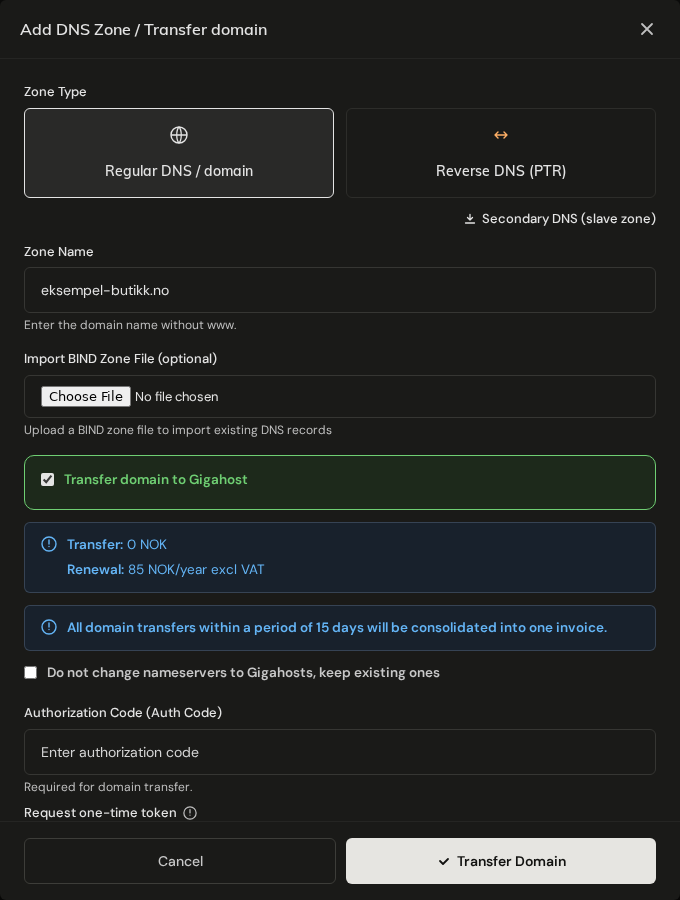
A zone on its own does not register or move the domain. Gigahost answers for the zone once the domain uses ns1.gigahost.no, ns2.gigahost.no and ns3.gigahost.no. Set them at your current registrar, or transfer the domain to Gigahost.
For a reverse zone, enter the network in CIDR notation. IPv4 prefixes go from /8 to /32. IPv6 prefixes must be a multiple of 4 between /4 and /128.
Secondary DNS (slave) zones cannot be created at the moment.
DNS Records tab
The SOA record and the NS records at the zone apex are not listed. Change a registered domain's own nameservers with Change nameservers. NS records can only be added on a subdomain, to delegate it to other nameservers.
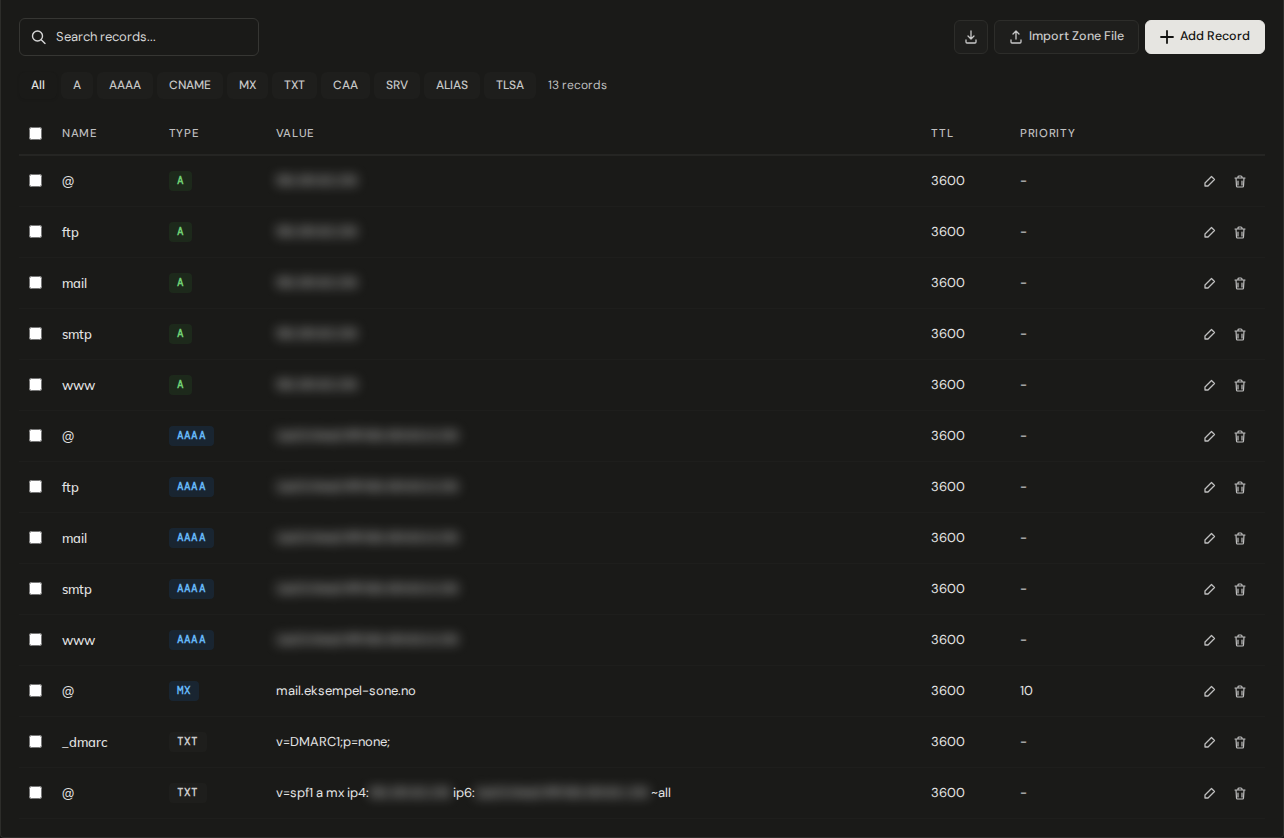
Some records carry a badge:
PARKING DNS: points the domain at the Gigahost parking page. Delete or replace it when the domain should point somewhere else. A WWW redirect replaces it automatically.WWW REDIRECTS: created by a redirect rule. Manage it on the WWW Redirects tab.NO EMAIL: a nullMXrecord (.). Mail servers refuse delivery to the domain at once instead of retrying. Delete it before you add realMXrecords.
Add or edit a record
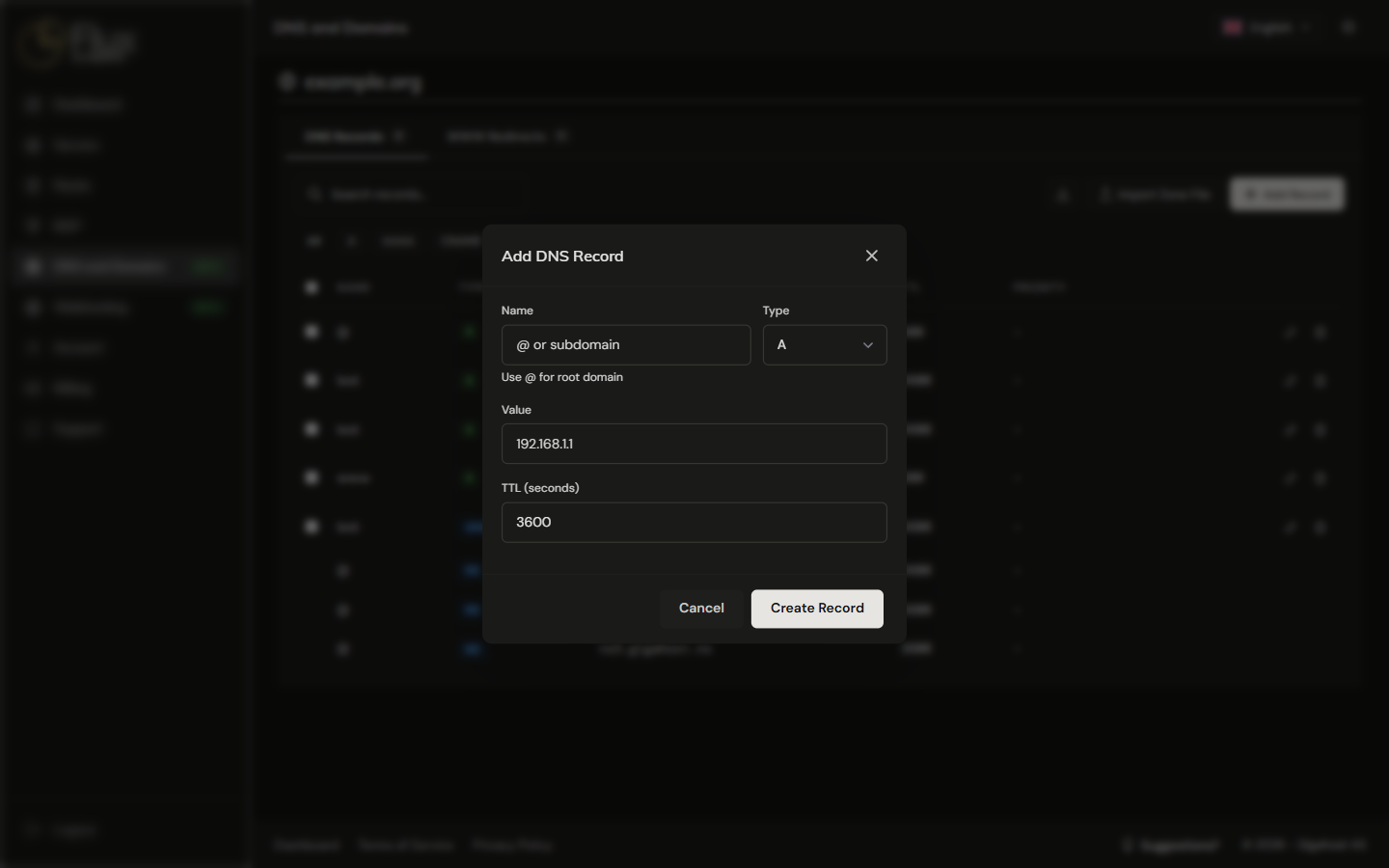
Click Add Record and use @ as the name for the zone apex. TTL (seconds) defaults to 3600.
Delete several records
Delete selected removes the records at once, and they cannot be restored. Export the zone first if you may need them again.
Import and export a zone file
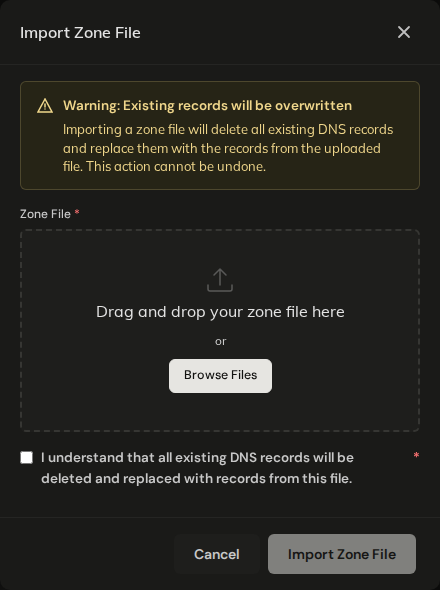
Download zone file saves the zone in BIND format. Use it as a backup before larger changes. Import Zone File takes a BIND zone file of up to 2 MB.
WARNING
An import deletes every record in the zone except NS and SOA and replaces them with the records in the file. That includes the A records that WWW redirects use: if the zone has redirects, delete and recreate those rules after the import.
Record types
| Type | Description |
|---|---|
| A | Maps a hostname to an IPv4 address |
| AAAA | Maps a hostname to an IPv6 address |
| CNAME | Creates an alias that points to another hostname |
| ALIAS | Like CNAME, but can be used at the zone apex (root domain) |
| MX | Specifies the mail server(s) responsible for receiving email for the domain |
| TXT | Stores arbitrary text data, commonly used for SPF, DKIM, DMARC, and domain verification |
| CAA | Specifies which certificate authorities are allowed to issue SSL certificates for the domain |
| SRV | Defines the location of services (host and port) for protocols like SIP or XMPP |
| TLSA | Binds a TLS certificate or public key to a hostname (DANE) |
| NS | Delegates a subdomain to other nameservers; apex NS records are managed by Flux |
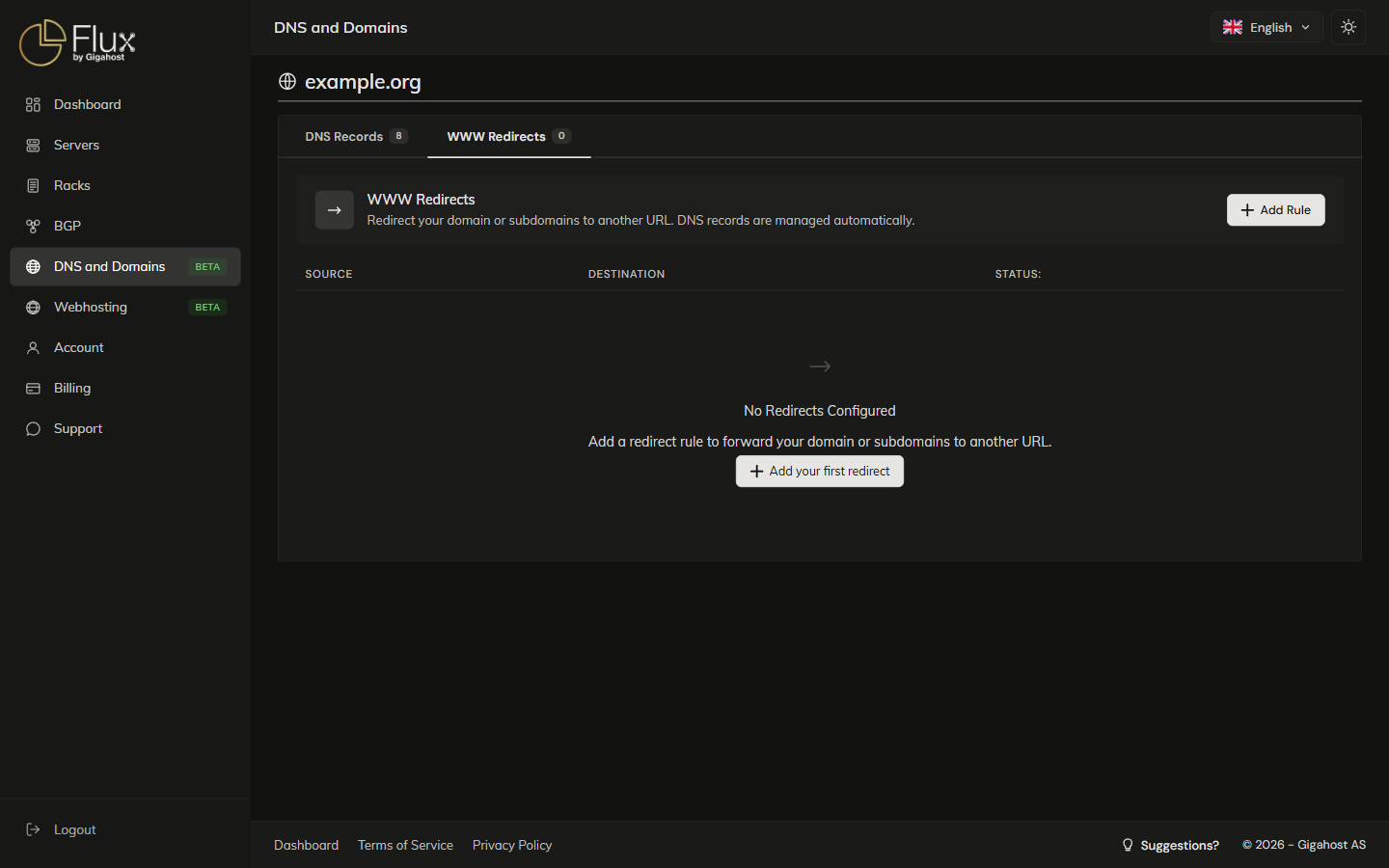
WWW Redirects tab
Redirects send visitors from the zone apex or a subdomain to another URL over HTTPS, with automatic certificates. Flux creates the A record for the source name and removes it again when the rule is deleted.
- A rule for the root domain (
@) does not includewww. Add a separate rule forwwwif both should redirect. - A rule cannot be created while the source name has an
A,AAAA,CNAMEorALIASrecord, so remove that record first. ThePARKING DNSrecord is the exception; the redirect replaces it. - The source cannot be changed after creation. Delete the rule and create a new one.
- Redirects need Gigahost nameservers. On a domain with external nameservers, saving fails with
This domain uses external nameservers. Redirects cannot be configured.
Reverse DNS (PTR) zones
In Add PTR Record, enter the full IP address and the hostname; Flux converts the address to the PTR name. The address must be inside the zone's network.
Reverse DNS only works for addresses whose reverse zone is delegated to Gigahost. For a routed IPv6 /48, follow Reverse DNS (PTR) on routed /48 IPv6.