

SSL Certificates
The SSL tab issues Let's Encrypt certificates for the domain selected at the top of the page. Each domain on the account has its own certificate.
Current Certificate
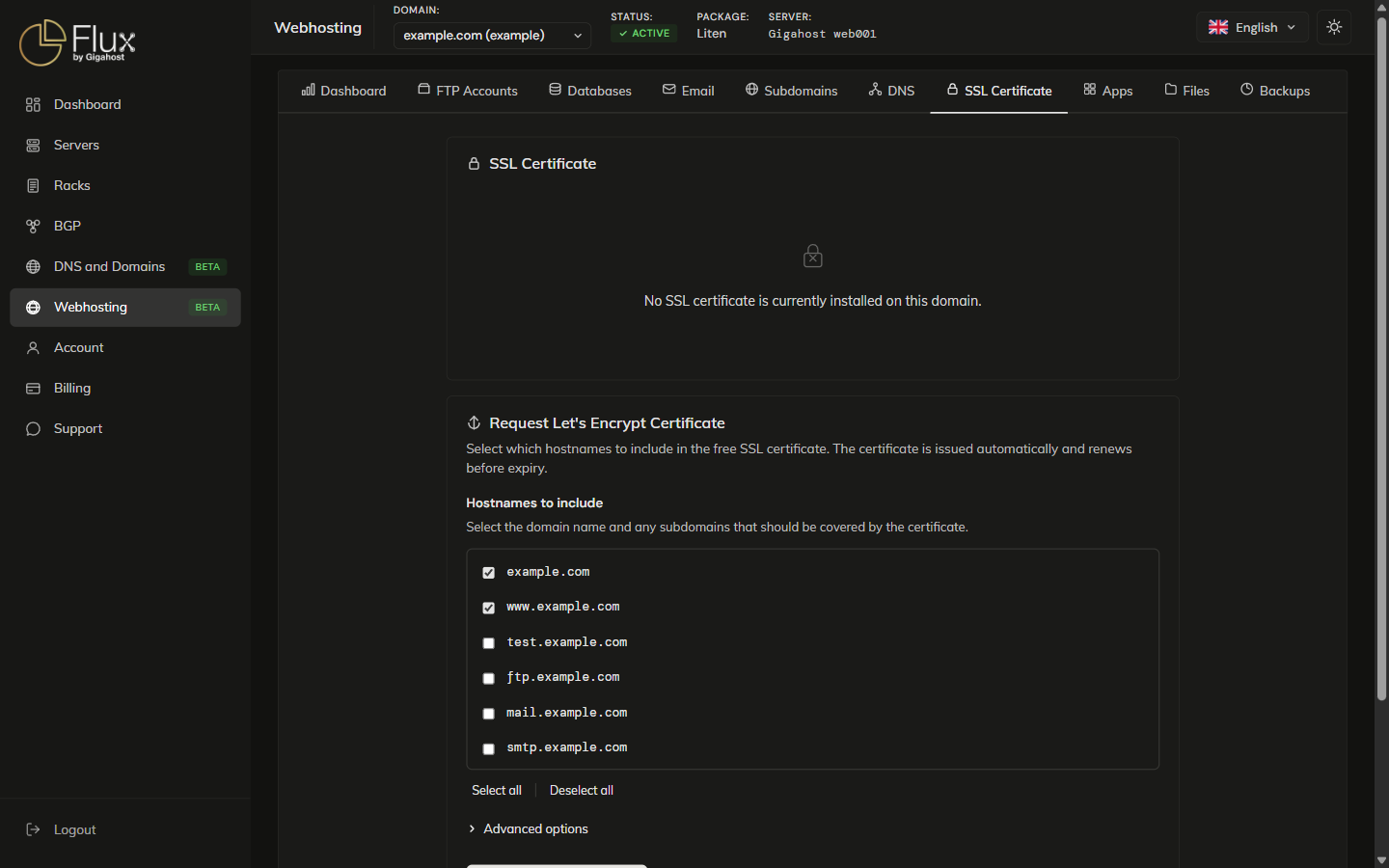
Requesting a New Certificate
Tick the hostnames the certificate should cover and click Request Certificate. The domain and its www subdomain are selected by default, which suits most sites.
Under Advanced options, the key type defaults to ECDSA P-384. Choose RSA 4096-bit if the site must work with older clients.
Removing a Certificate
Remove certificate removes the certificate from the server. Your site does not serve HTTPS until a new certificate is installed.
Auto-Renewal
Let's Encrypt certificates are valid for 90 days. Certificates requested through the control panel are renewed automatically before they expire.
Troubleshooting
If certificate issuance fails, check the following:
- DNS must point to Gigahost: Let's Encrypt validates domain ownership by connecting to your server. If your domain's A and AAAA records do not point to the Gigahost hosting server (for example because it uses external nameservers), validation fails.
- No conflicting CAA records: if you have CAA DNS records, make sure
letsencrypt.orgis listed as an allowed issuer. - Wait for DNS propagation: if you recently changed your DNS records, allow up to 24 hours for propagation before requesting a certificate.