

Backups
The Backups tab creates manual backups of the account and restores from them. A backup includes your website files, databases and email data.
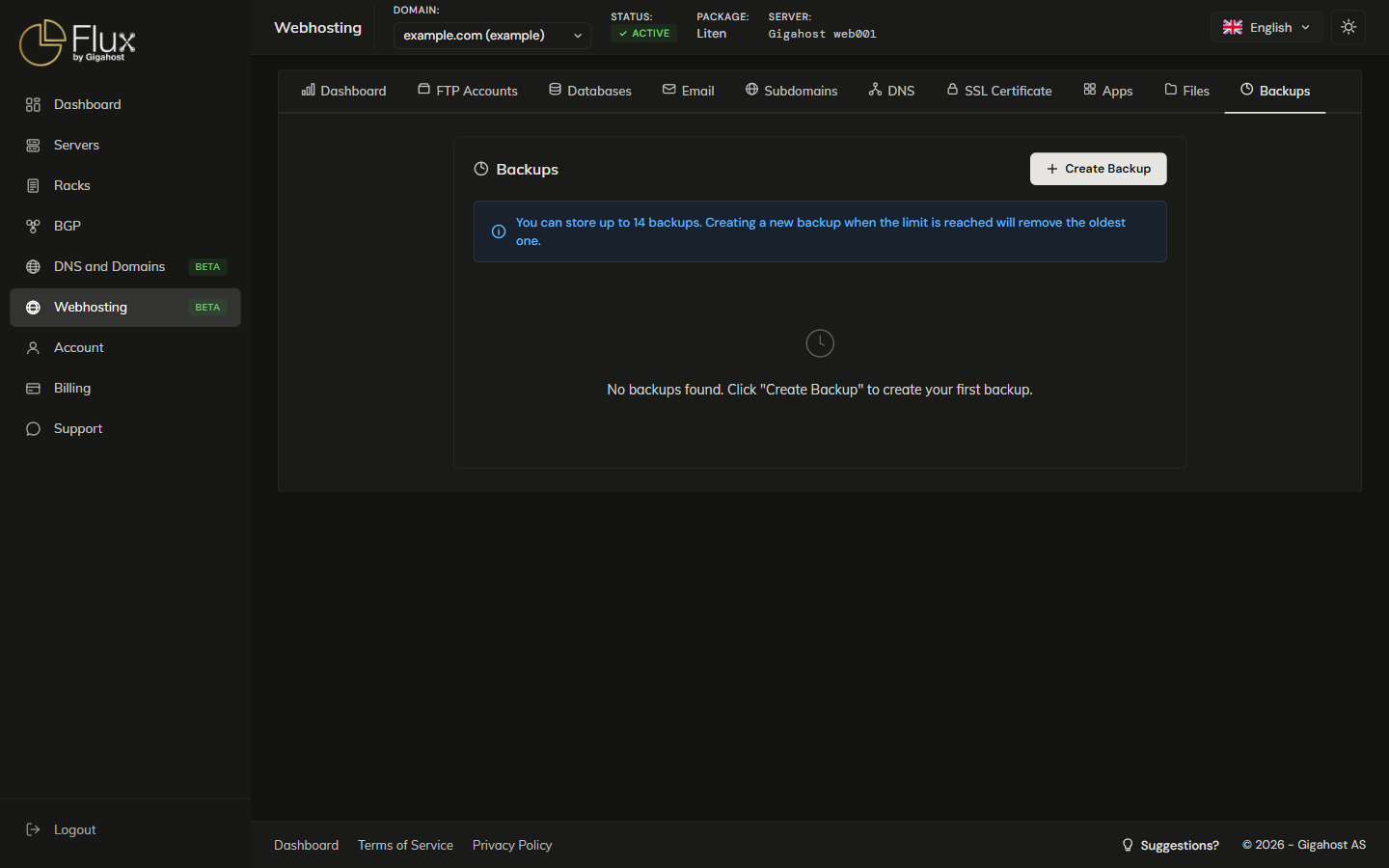
Creating a Backup
Click Create Backup. The backup runs in the background and may take a few minutes; you can leave the page meanwhile.
You can store up to 14 backups. Creating a new backup when the limit is reached removes the oldest one.
Restoring from a Backup
WARNING
Restoring replaces all current files, databases and email data with the contents of the selected backup. Changes made after the backup was created are lost. Create a fresh backup of the current state before restoring an older one.
Deleting a Backup
Deleted backups cannot be recovered.