Domains
The Domains tab lists the domains on the webhosting account and the subdomains of the selected domain.

Several domains on one account
Each domain on the account gets its own website folder, email and SSL certificate, at no extra cost. The Domain: selector at the top of the page picks the domain the other tabs work on; see Account and domain selectors.
Sub-client users cannot add, remove or change domains.
Add a domain
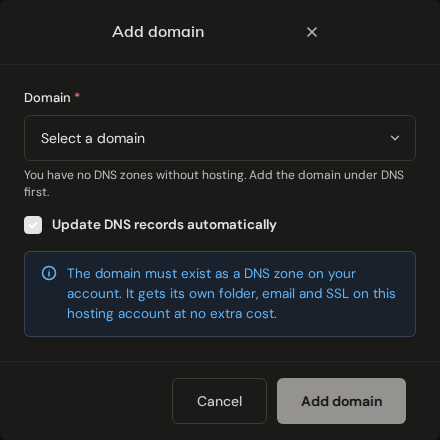
The domain must already be a DNS zone on your account and must not be on a webhosting account. The dialog only lists zones that qualify; if the domain is missing, add it as a zone under DNS and domains first. A domain already hosted elsewhere fails with This domain is already on a webhosting account. The Domains row of the Resource Limits card on the dashboard shows how many domains your plan allows.
WARNING
Update DNS records automatically is ticked by default and replaces the A, AAAA and MX records listed below. If the domain uses the Gigahost nameservers and its website or mail runs somewhere else today, untick it. Otherwise both switch to the webhosting account as soon as you click Add domain.
With the box ticked, Flux writes these records to the domain's DNS zone at Gigahost, all with TTL 3600 and pointing at the hosting server:
A, andAAAAif the hosting server has IPv6, for@,www,mail,ftpandsmtp. ExistingAandAAAArecords on those five names are replaced.MXat the apex tomail.<domain>with priority 10, replacing the existingMX.- An SPF record (
TXTat the apex). Only an existing SPF record is replaced; otherTXTrecords, such as Google or Microsoft 365 verification, are kept. - A DMARC record (
v=DMARC1;p=none;on_dmarc), only if the zone has none yet. - A DKIM
TXTrecord when DKIM is enabled for the domain.
The records only take effect while the domain uses the Gigahost nameservers. With the box unticked, the dialog lists the same records so you can create them at your DNS provider.
Set as primary
The primary domain is the one the account is listed under, and the one public_html points to. Set as primary moves both to another domain. Each domain keeps its own folder and mail.
Remove a domain
WARNING
Removing a domain deletes its website files, mailboxes and subdomains from the server. This cannot be undone. Download what you need first.
The DNS zone is kept, including the records that point at the hosting server; change or delete them under DNS if the domain should point somewhere else. To remove the primary domain, make another domain primary first.
Move a site to a new domain
A new domain starts with its own folder and mail, so nothing moves over by itself:
- Add the new domain as described above.
- Copy the website files into the new domain's folder with the file manager or FTP, and create the mailboxes on the new domain under Email.
- Click Set as primary on the new domain if the old one was primary.
- Remove the old domain.
PHP version
A new PHP version applies as soon as you pick it, with no confirmation.
Subdomains
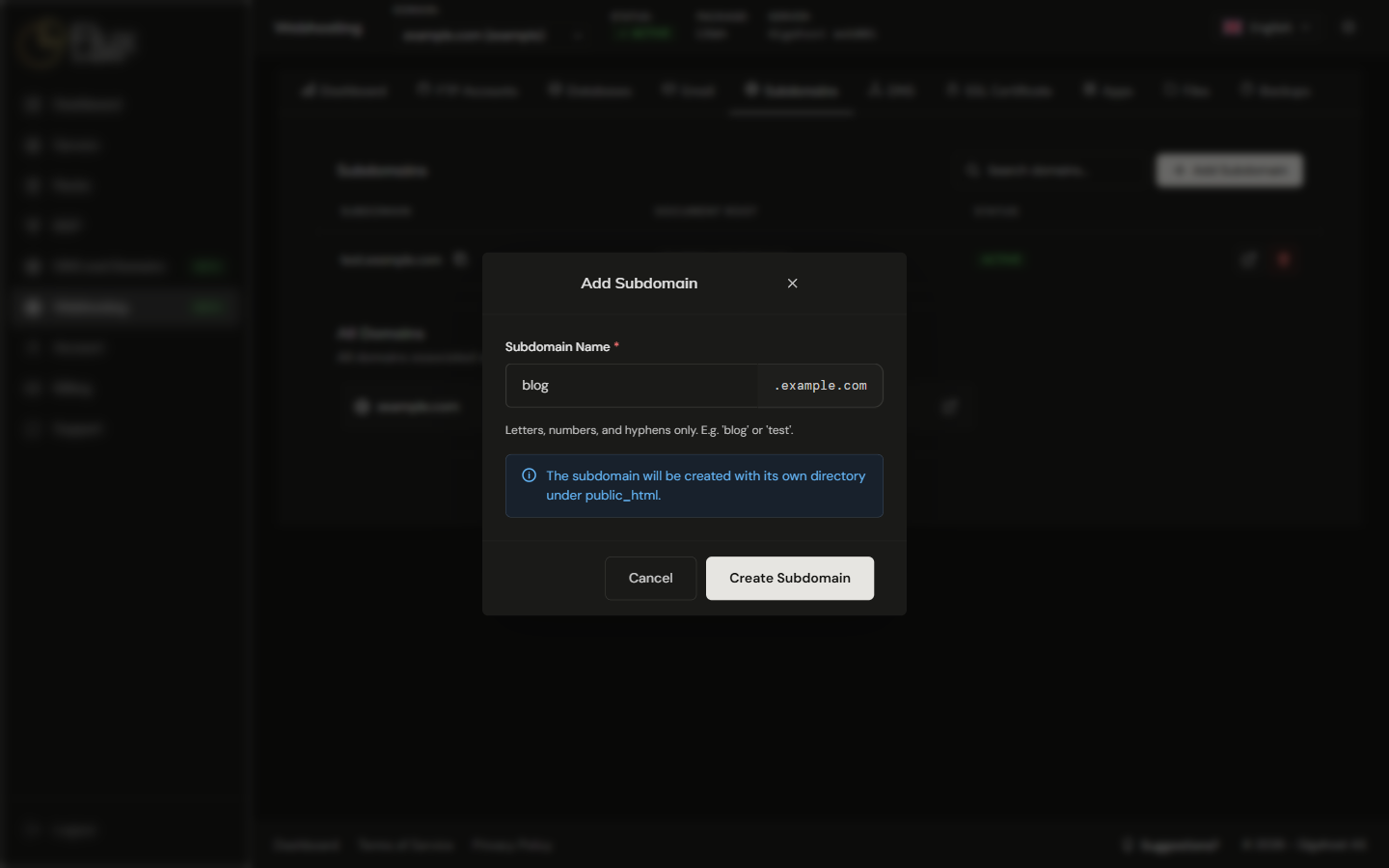
Subdomains belong to the domain selected at the top. Each subdomain gets its own folder under the domain's public_html.
WARNING
Deleting a subdomain may also delete the files in its folder. Copy anything you need first.