

FTP Accounts
The FTP tab manages FTP / SFTP accounts for the domain selected at the top of the page. A default FTP account matching your hosting username is created automatically and cannot be deleted.
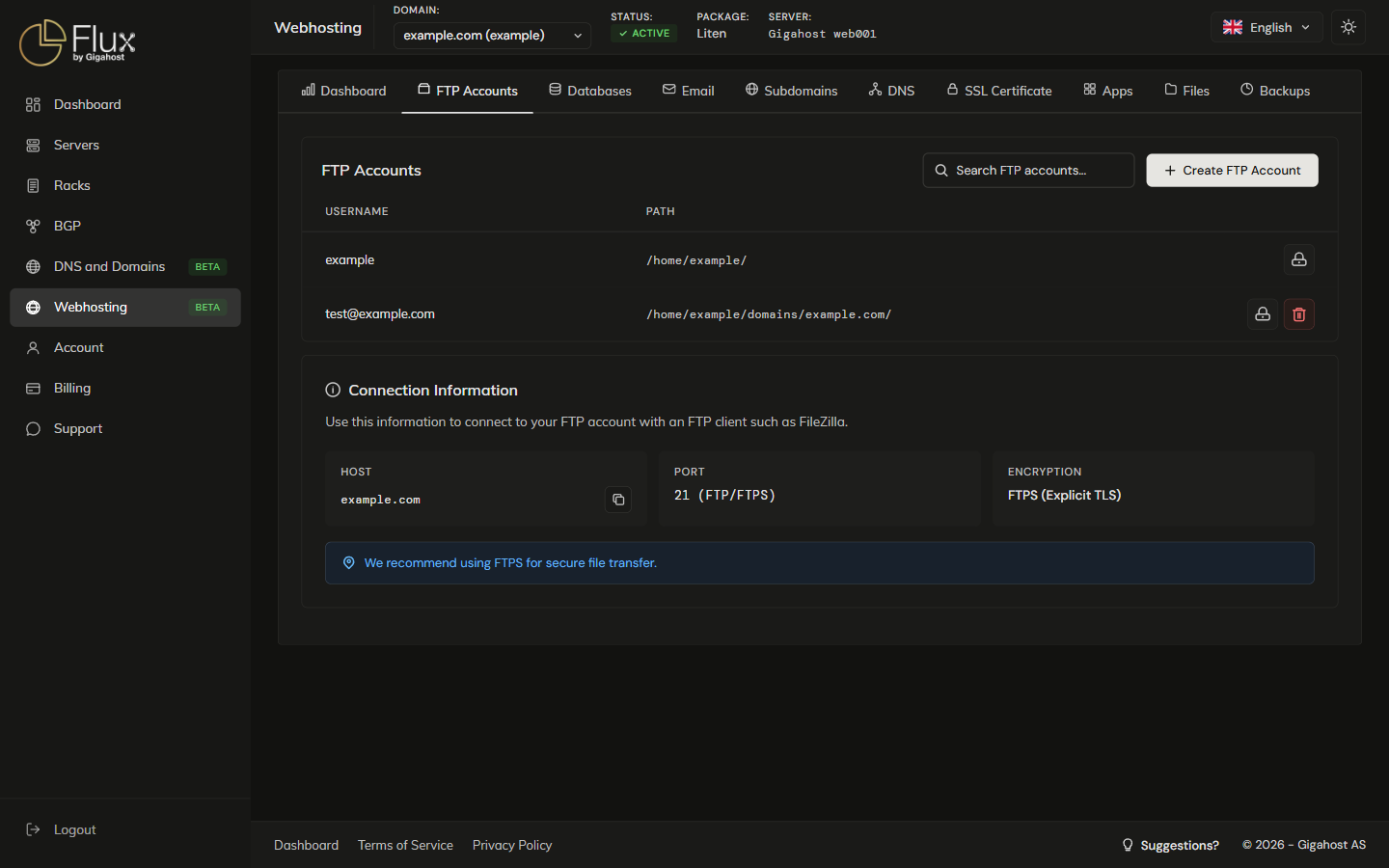
Creating an FTP Account
Click Create FTP Account and enter a username and password. Access Type decides what the account can reach: the whole domain folder (public_html), or only a subfolder you enter under Custom path.
Row actions
Deleting an FTP account removes only the login. It does not delete any files on disk.
Connection Settings
| Setting | Value |
|---|---|
| Host | The selected domain (e.g. yourdomain.com) |
| FTP port | 21 |
| SFTP port | 22 |
| Protocol | FTP with TLS (FTPS) or SFTP |
| Username | Your FTP username |
TIP
Use SFTP on port 22 instead of plain FTP whenever you can. It encrypts the whole connection, including your password.