

Apps
The Apps tab installs web applications such as WordPress, Joomla and Drupal on a domain and manages the installations.
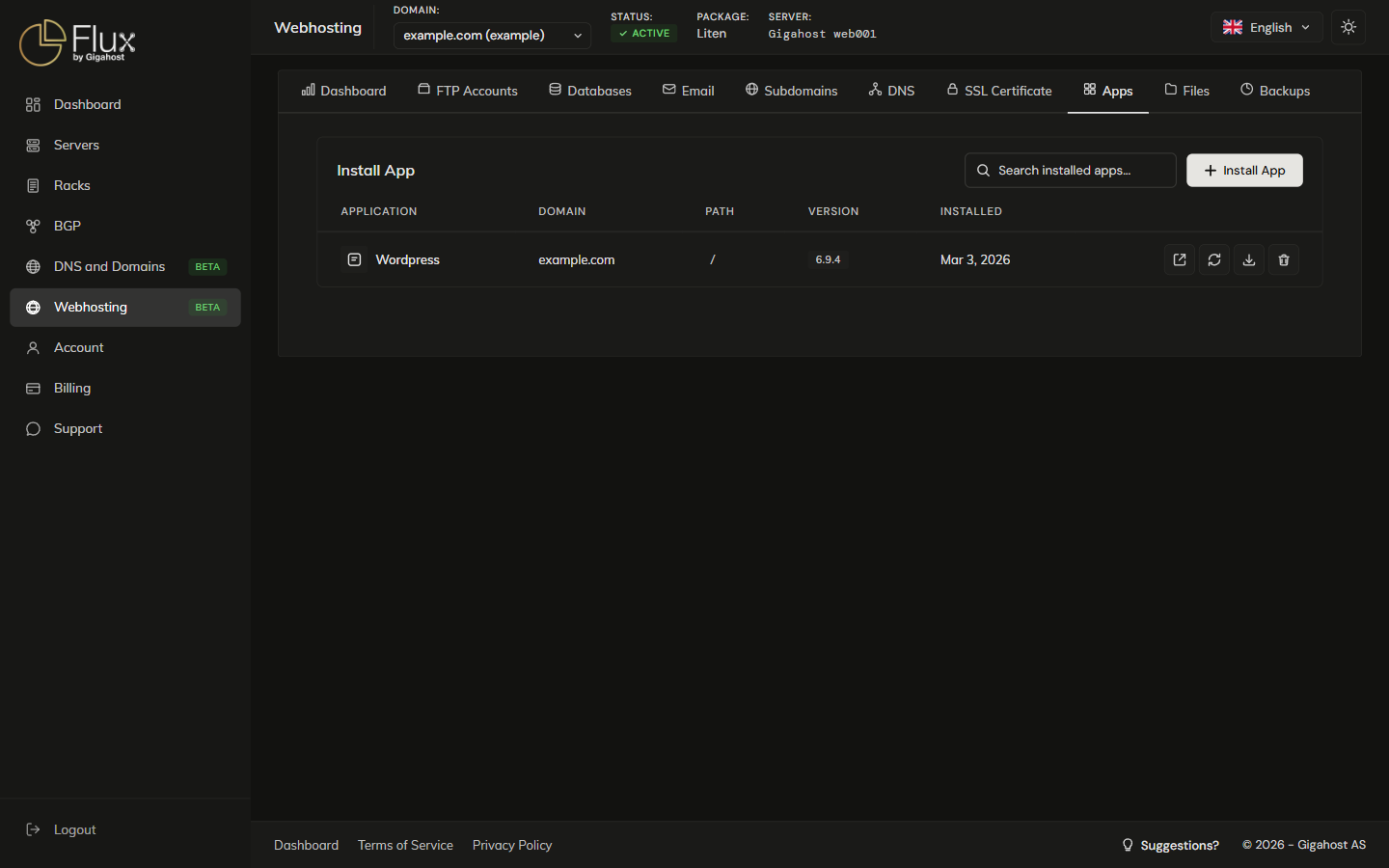
Installing a New App
Click Install App, pick an app and choose the domain or subdomain. Install Path / installs at the root of the domain; a subfolder such as /blog installs there.
After installation
WARNING
Save your admin credentials from the success dialog. The password is displayed only once and cannot be retrieved later.
Managing Installed Apps
Update
TIP
Create a backup before updating. Updates can break compatibility with themes or plugins, and a backup lets you roll back.
Backup
A backup of an app includes its files and database.
Uninstall
WARNING
Uninstalling an app permanently deletes its files and database. This cannot be undone. Take a backup first if you might need the data later.