

Databases
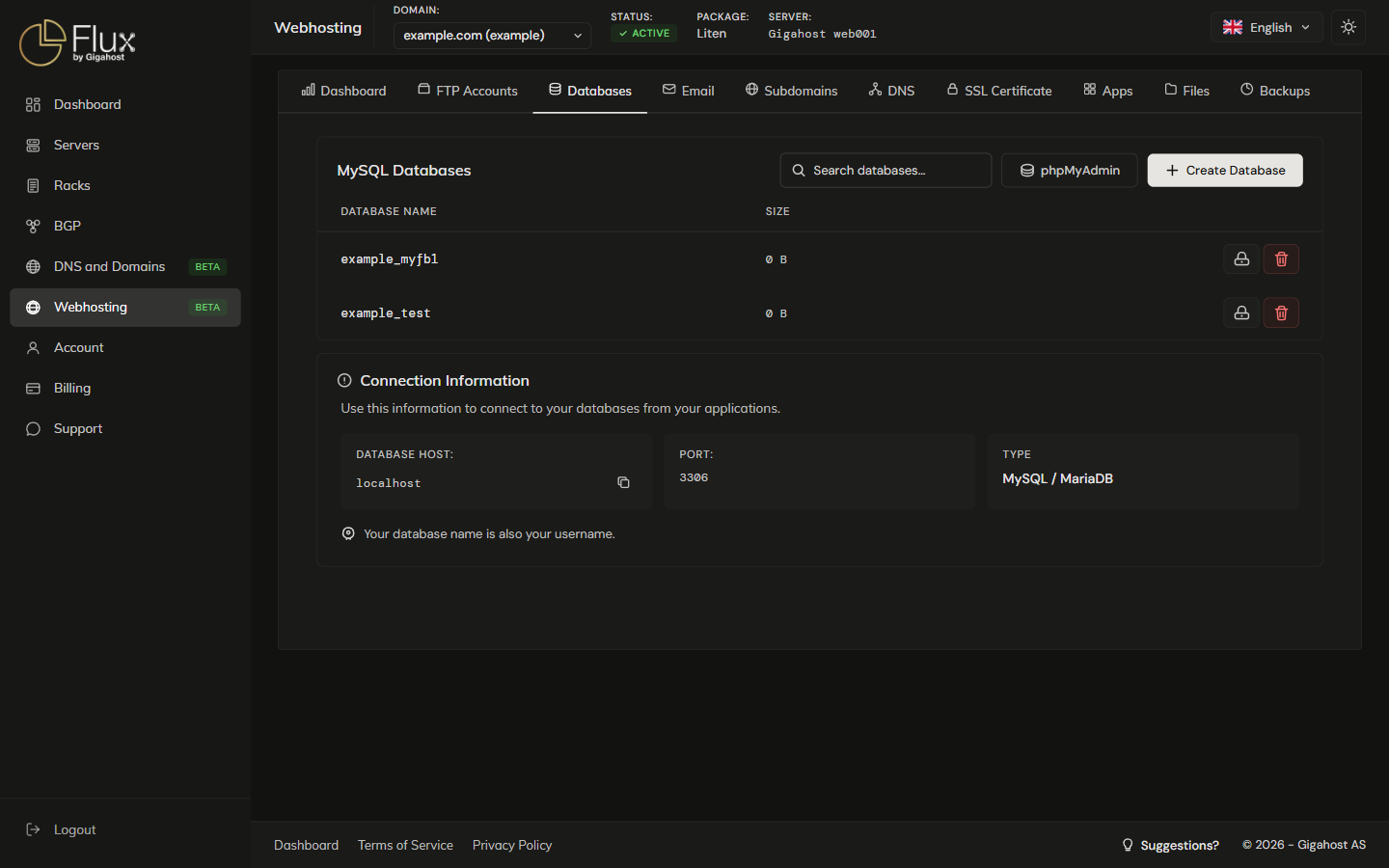
The Databases tab creates and manages MySQL / MariaDB databases for the account.
Creating a Database
Click Create Database and enter a name and a password. A database user with the same name as the database is created with full privileges on it.
Changing a Database Password
The new password takes effect immediately. Update it in any application or configuration file that connects to the database.
Deleting a Database
WARNING
Deleting a database permanently removes all data, tables, and the associated database user. This cannot be undone.
Connection Information
| Setting | Value |
|---|---|
| Host | localhost |
| Port | 3306 |
| Username | Same as the database name |
| Password | The password set during creation |
Remote database connections are not available on shared hosting; connect from scripts on the hosting account.
phpMyAdmin
phpMyAdmin opens in a new tab. Log in with the database name as username and the database password.