

File Manager
The Files tab is a file manager for the account in the browser, for when you do not want to use an FTP client.
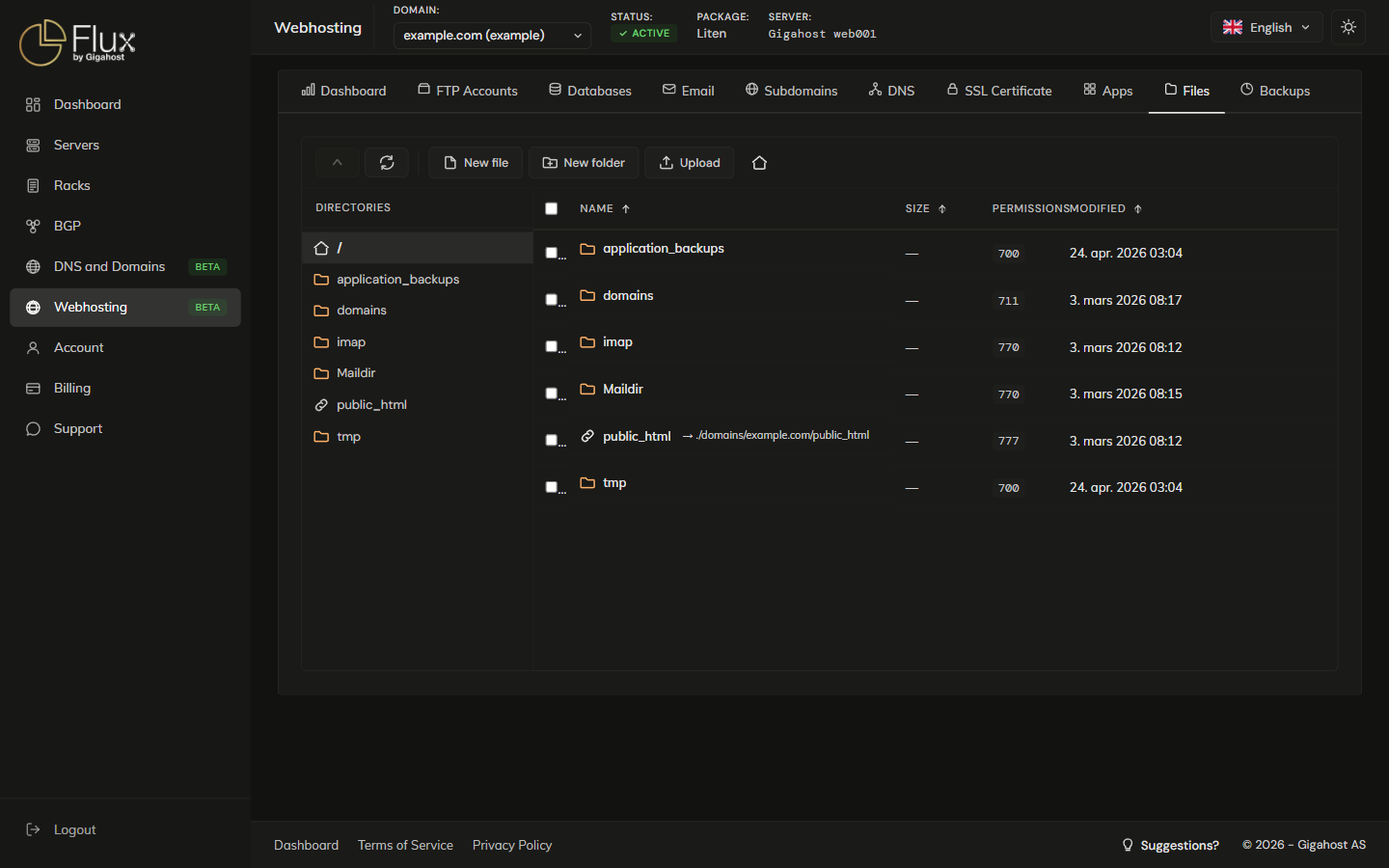
Creating Files and Folders
A new file opens in the editor right away.
Uploading Files
You can also drag files from your computer into the file listing.
TIP
For many files or a whole site directory, use SFTP or FTP instead of the browser upload. See FTP Accounts for the credentials.
Editing Files
Save with Save or Ctrl+S before you close the editor. Closing it, also with Esc, discards unsaved changes without asking.
File Operations
Delete
WARNING
Deleted files cannot be recovered. Take a backup of important files before deleting them.
Copy and move
Right-click a file or folder to copy or move it, then enter the destination path.