

Getting Started with Webhosting
Open an account from the hosting list to manage it.
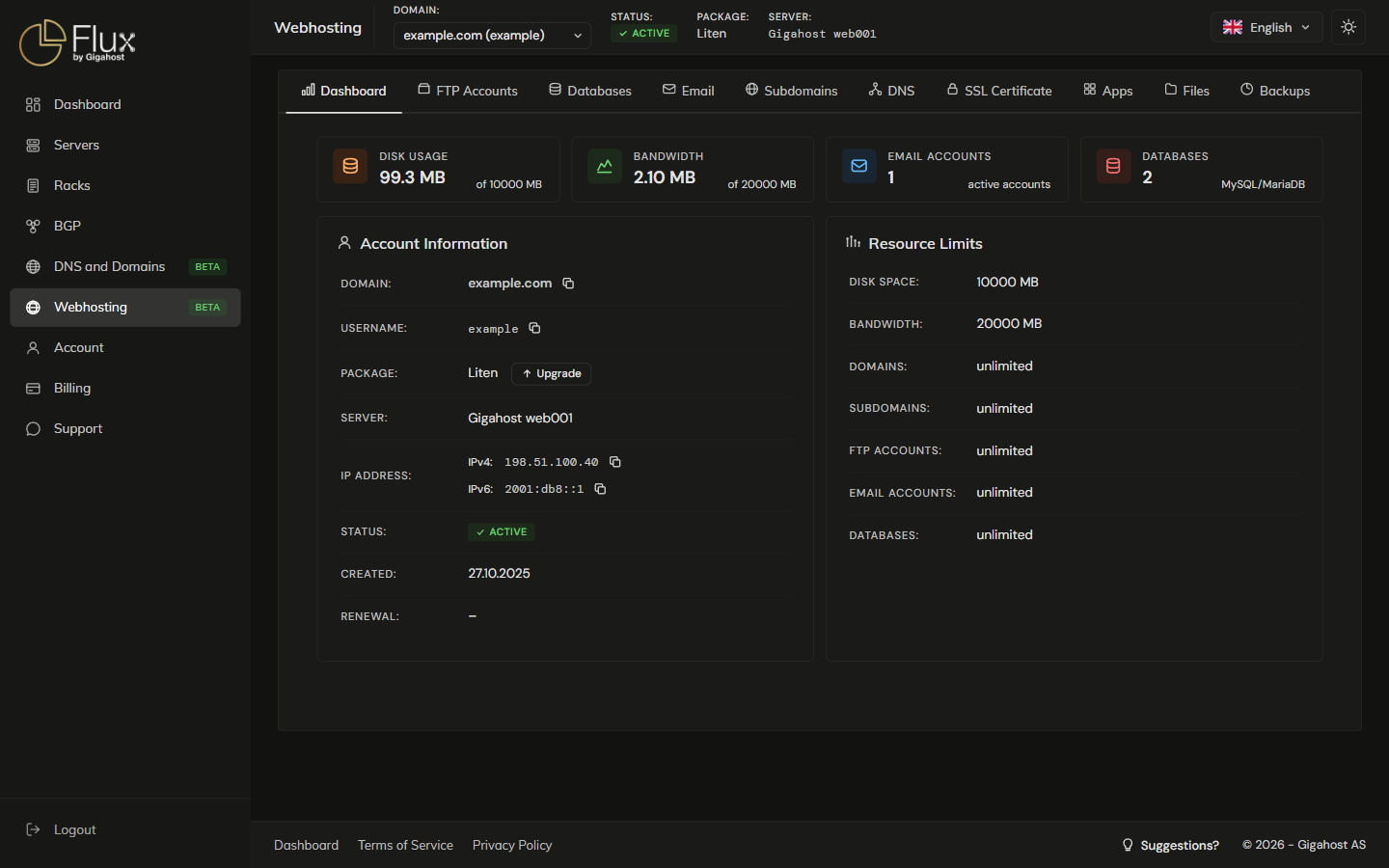
Account and domain selectors
Account: switches between your webhosting accounts and Domain: between the domains on that account.

The Domains, Email, FTP Accounts, DNS and SSL Certificate tabs work on the selected domain, and the Apps install dialog starts with it selected. Dashboard, Databases, Cron Jobs, Files and Backups cover the whole account.
Sub-navigation
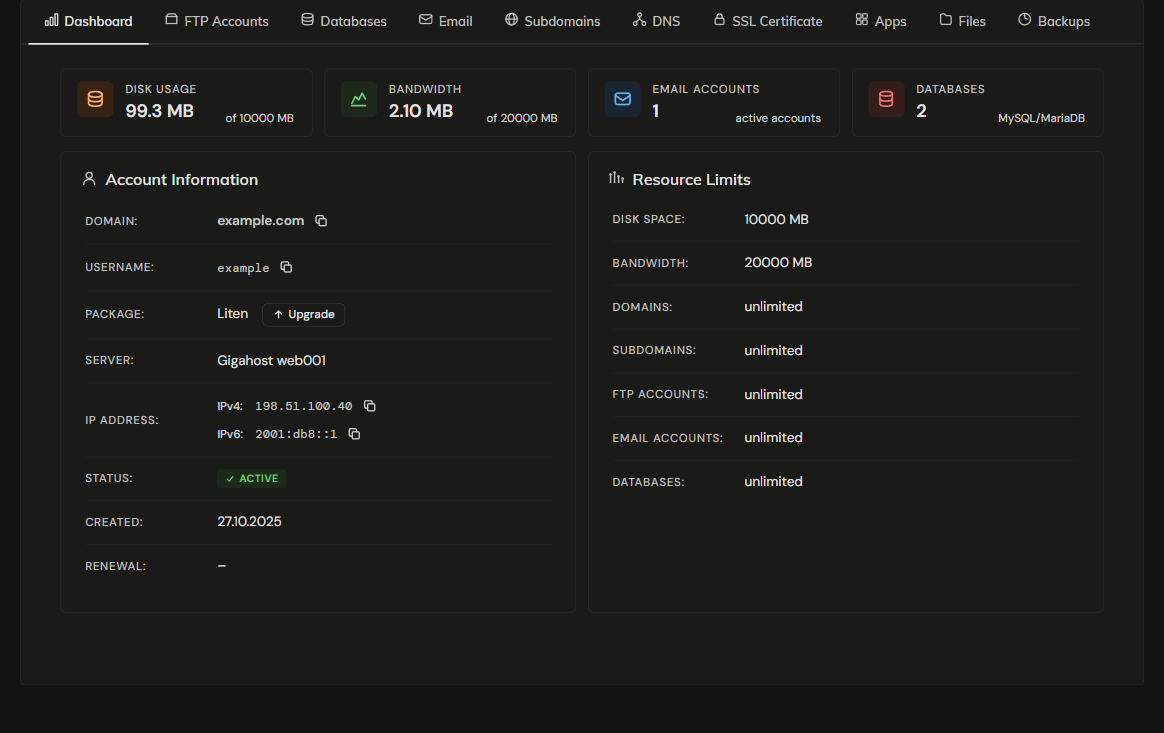
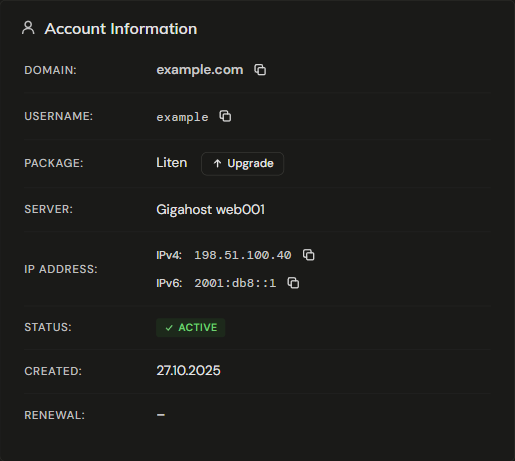
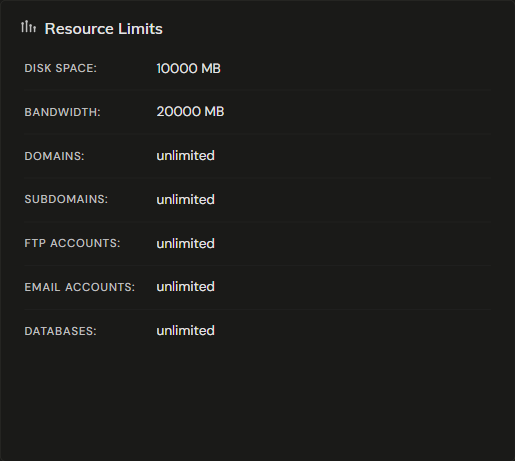
Upgrade and Cancel are on the account details card; see Plans & Billing.

First steps
1. Upload your website
Use the file manager for quick edits, or an FTP client with the credentials on the account details card (see FTP Accounts).
2. Set up email
Create mailboxes for your domain under Email.
3. Configure DNS
If your domain's nameservers point to Gigahost, manage records from the DNS tab. If you registered your domain elsewhere, update the registrar's nameservers or add the appropriate A / AAAA records pointing to your hosting IP.